If you're building mobile apps with Bravo Studio, you probably already know how fast it is to go from design in Figma to a fully functional, App Store–ready product. But what about monetization?
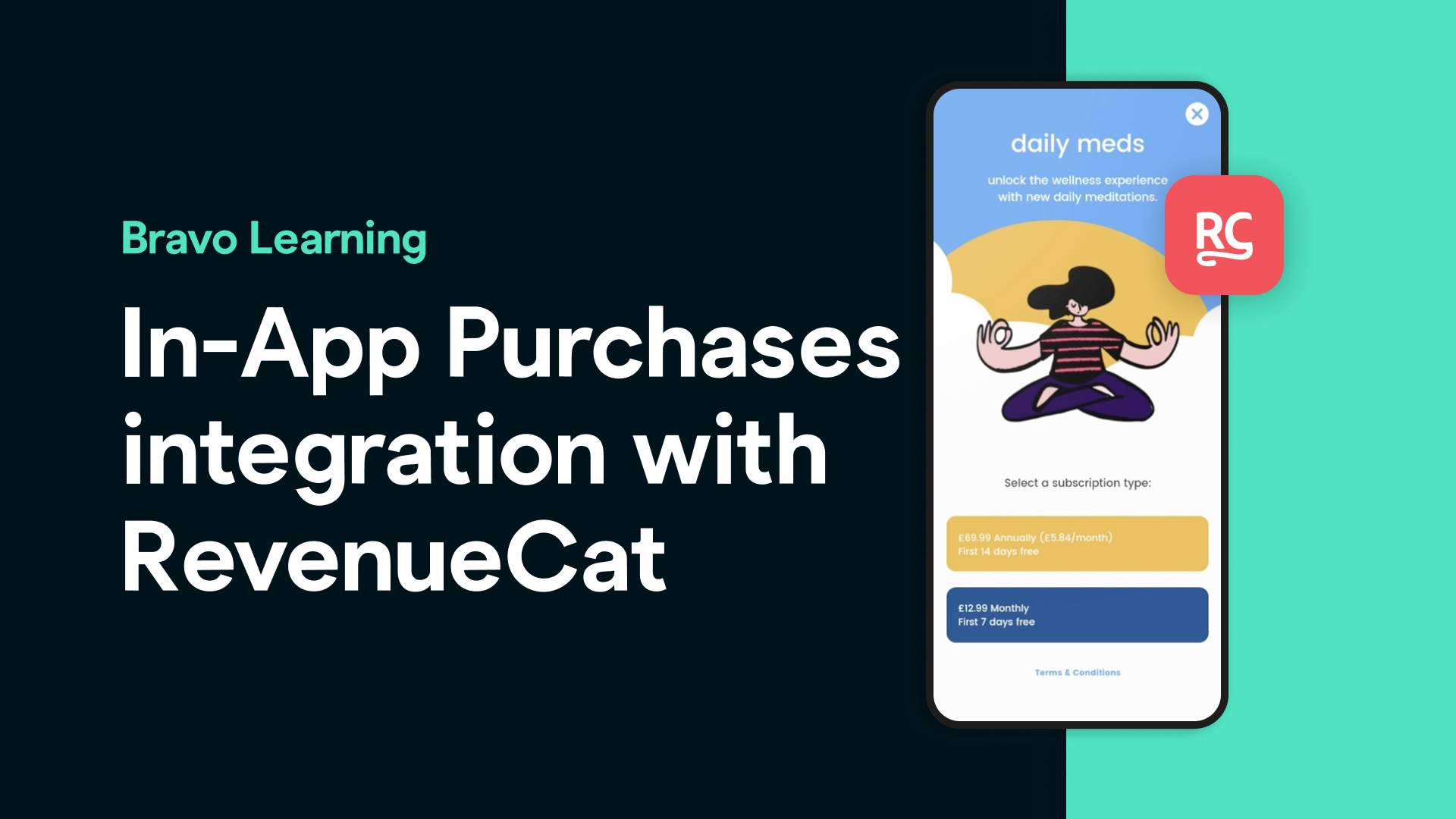
Thanks to Bravo Studio’s integration with RevenueCat, adding in-app purchases (IAPs) and subscription models is now easier than ever — no custom native code required.
In this blog post, we’ll walk you through everything you need to know to start charging for your app features — and turning your app into a real business.
Why Use RevenueCat with Bravo Studio?
RevenueCat is the easiest and most reliable way to manage in-app purchases across iOS and Android, including:
Monthly or yearly subscriptions
One-time purchases
Free trials
Introductory offers
Subscription management
Cross-platform syncing
Bravo Studio’s native integration with RevenueCat means you can implement all of this without writing code. Your Figma + Bravo app can now include real revenue functionality in a matter of hours.
What You’ll Need
Before getting started, make sure you have:
A published or ready-to-publish app project in Bravo Studio.
An active RevenueCat account (free tier available).
An Apple Developer and/or Google Play Console account (required to publish and manage IAPs).
A backend (like Xano or Supabase) to validate and store purchases — optional, but recommended for advanced use.
Step-by-Step: How to Add In-App Purchases in Bravo Studio
1. Set Up Your Products in RevenueCat
Log in to RevenueCat and create a new project. Then add your app’s in-app products:
Choose between subscriptions or one-time purchases
Set pricing and product identifiers (these must match what you set in App Store / Play Console)
Enable trial periods or promo offers if needed
2. Configure App Store & Google Play
In App Store Connect and Google Play Console:
Create matching in-app products
Enable in-app purchase capability
Set up tax & bank details for payouts
📝 Tip: RevenueCat provides a great guide on how to configure these settings on both platforms.
3. Connect Bravo Studio with RevenueCat
In Bravo Studio:
Go to your project settings
Enable the RevenueCat integration
Add your Public API Key from RevenueCat
Define your entitlements and product IDs
Bravo’s UI lets you define which screens or elements are locked behind a purchase, and shows different flows depending on whether a user is subscribed or not.
4. Add RevenueCat Tags in Figma
Using the Bravo Plugin for Figma:
Add tags like:
revenuecat.purchaserevenuecat.restorerevenuecat.checkEntitlement Bind elements like buttons or text visibility based on subscription status
This is how you control what users see depending on their purchase state — all without writing a single line of code.
5. Test & Publish
Use RevenueCat’s sandbox tools and Bravo Vision app to test:
Purchasing a subscription
Restoring purchases
Switching between users or devices
Once everything is working, submit your app to the App Store or Play Store — Bravo handles the native wrap, and RevenueCat manages all the transaction logic behind the scenes.
What Can You Build?
Here are just a few monetization ideas for your Bravo app:
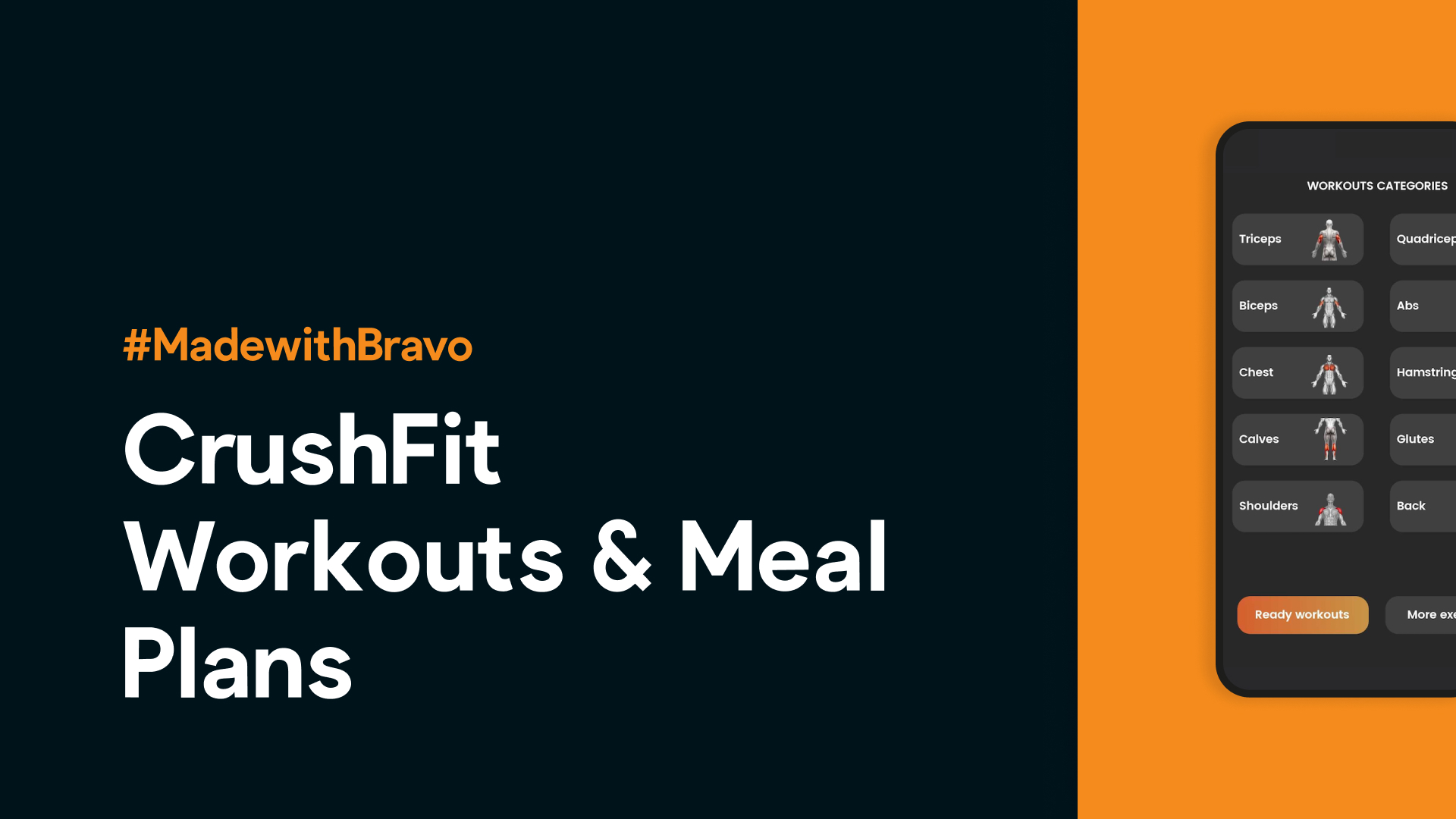
Lock premium workout plans in a fitness app
Charge for access to exclusive recipes or content
Offer pro features or AI assistant access in productivity tools
Sell digital content like guided meditations, audio courses, or templates
The possibilities are endless — and now accessible to anyone building with Bravo.
Ready to Monetize Your App?
In-app purchases used to be one of the biggest blockers in mobile development. Now, thanks to Bravo Studio and RevenueCat, it’s simple, fast, and entirely no-code.
Whether you’re launching a consumer subscription product or adding gated features to an internal tool, Bravo Studio gives you everything you need — from design to monetization — in one powerful workflow.
FAQs
1. Do I need to be a developer to set up in-app purchases with Bravo and RevenueCat?
Nope! That’s the magic of Bravo Studio — everything is no-code. With Bravo’s visual interface and RevenueCat’s plug-and-play system, you can launch monetized apps without writing a single line of code.
2. What kind of in-app purchases can I offer?
Bravo Studio supports:
Monthly and yearly subscriptions
One-time purchases (e.g., lifetime access, downloadable content)
Free trials and introductory offers
Purchase restoration (for users who reinstall or change devices)
3. Can I offer different pricing tiers or bundles?
Yes. RevenueCat allows you to create multiple entitlements and products, and Bravo lets you lock/unlock screens or features based on those entitlements.
4. Is RevenueCat free to use?
RevenueCat offers a free plan for indie developers and early-stage projects, with paid tiers for more advanced analytics and usage. Learn more at revenuecat.com/pricing.
5. Do I need Apple and Google developer accounts?
Yes. To sell products or subscriptions in your app, you must register as an Apple Developer and/or on the Google Play Console. You’ll also need to configure your products in those platforms to match RevenueCat’s settings.
6. Can I test purchases before publishing?
Absolutely. Bravo Studio supports sandbox testing via RevenueCat and both app stores. You can simulate purchases, restorations, and subscription expirations during testing with the Bravo Vision app.
7. Is it possible to integrate with other backends like Supabase or Xano?
Yes! You can use your backend to store user data, manage entitlements, or even track custom analytics. Bravo works seamlessly with both Supabase and Xano via its API-first approach.
8. What happens if I update my pricing or plans later?
With RevenueCat, you can easily change pricing, add new products, or modify entitlements without pushing a new app update. Your Bravo app will reflect the changes automatically if set up correctly.
9. Can I use RevenueCat for internal tools or non-consumer apps?
While RevenueCat is primarily built for public-facing apps with IAPs, it can be adapted for enterprise/internal tools where needed — especially if you’re managing subscriptions or user access tiers.