Bravo Academy
Here you will find all the resources you need to bring your app idea to life. Whether you are a designer, creator, developer, or founder, Bravo Academy has all you need to build your own app, without code.
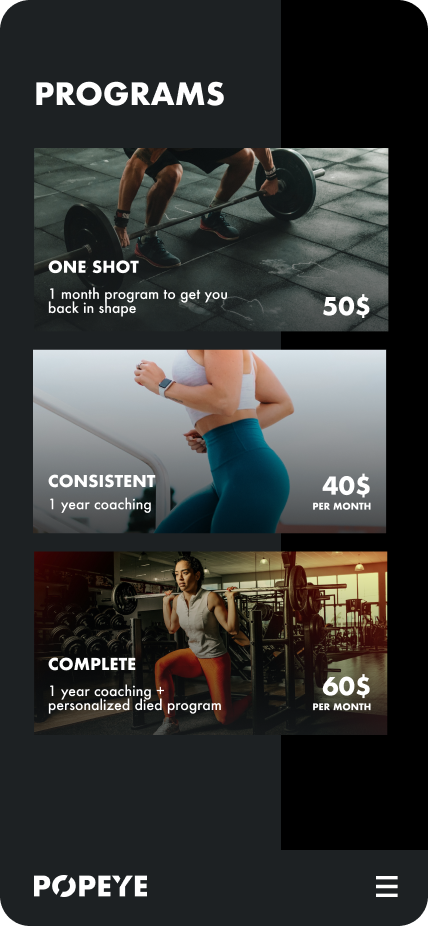
Crash course
The Bravo crash course is designed for beginner Bravo users that are not familiar with Figma or Adobe XD and want to become Bravo experts. Throughout this crash course, you'll learn the app-building process through a series of step-by-step tutorials. Each course includes a video masterclass, five short tutorials, and a free eBook.
Tutorials
Our tutorial material will walk you through every phase of the app building process. This includes setting up your Figma or Adobe XD design, connecting your app to backend tools or external data, adding a login page, setting up push notification services, and publishing your app in App Store and Google Play Store.
Sample apps
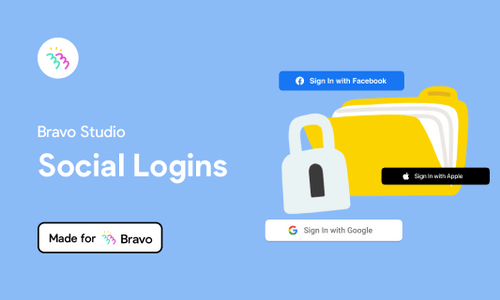
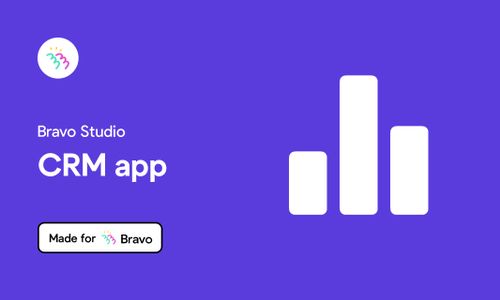
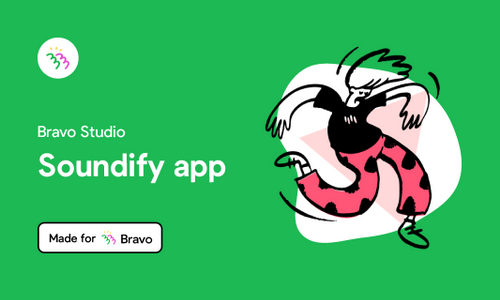
Use these sample Bravo projects to see how they are set up in terms of design and Bravo Tags. You can also use them as UI kits and customize them to your app needs.
UI kits
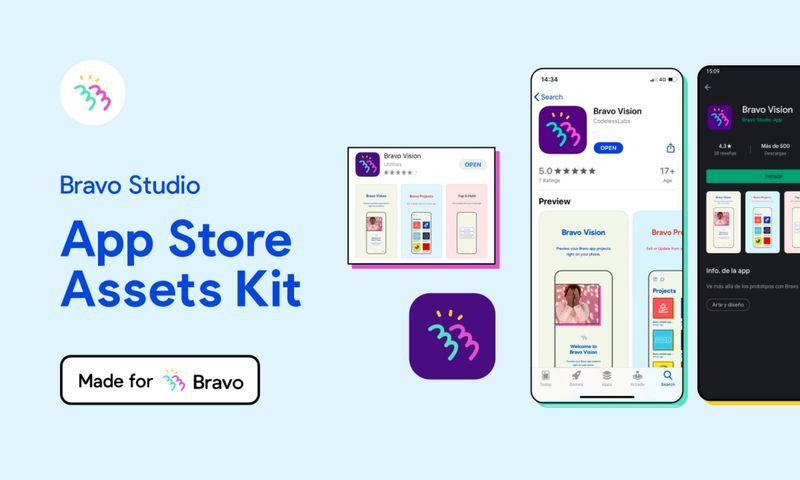
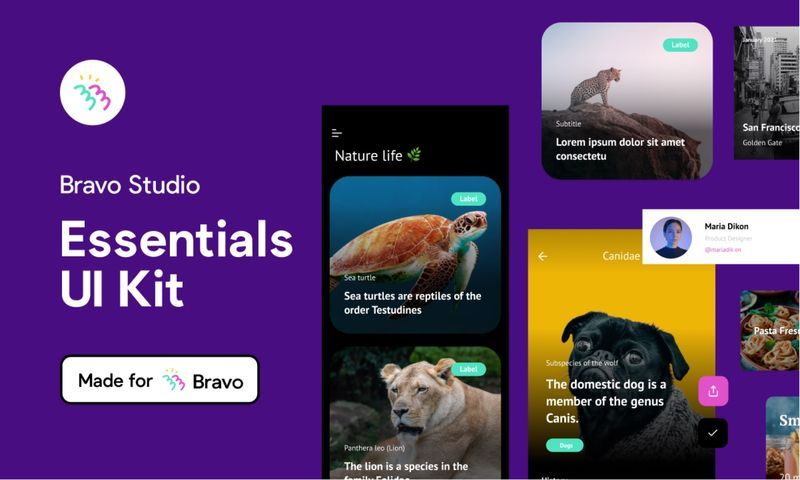
Speed up the design process by duplicating or downloading any of our FREE app design UI Kits. Choose your favorite from multiple themes and customize it to fit your purpose.
eBooks
New to the world of no-code apps? Our eBooks have been carefully crafted by the Bravo team to cover every part of the app-building process, from step-by-step tutorials to practical guides with checklists.