Over 100 features.
One Figma file.
Every component, action, integration, and publishing path Bravo ships with — organised by what you're trying to build.
Design & Style
An extensive collection of visual elements that make your app stand out — drop them into your Figma and they ship as native UI.
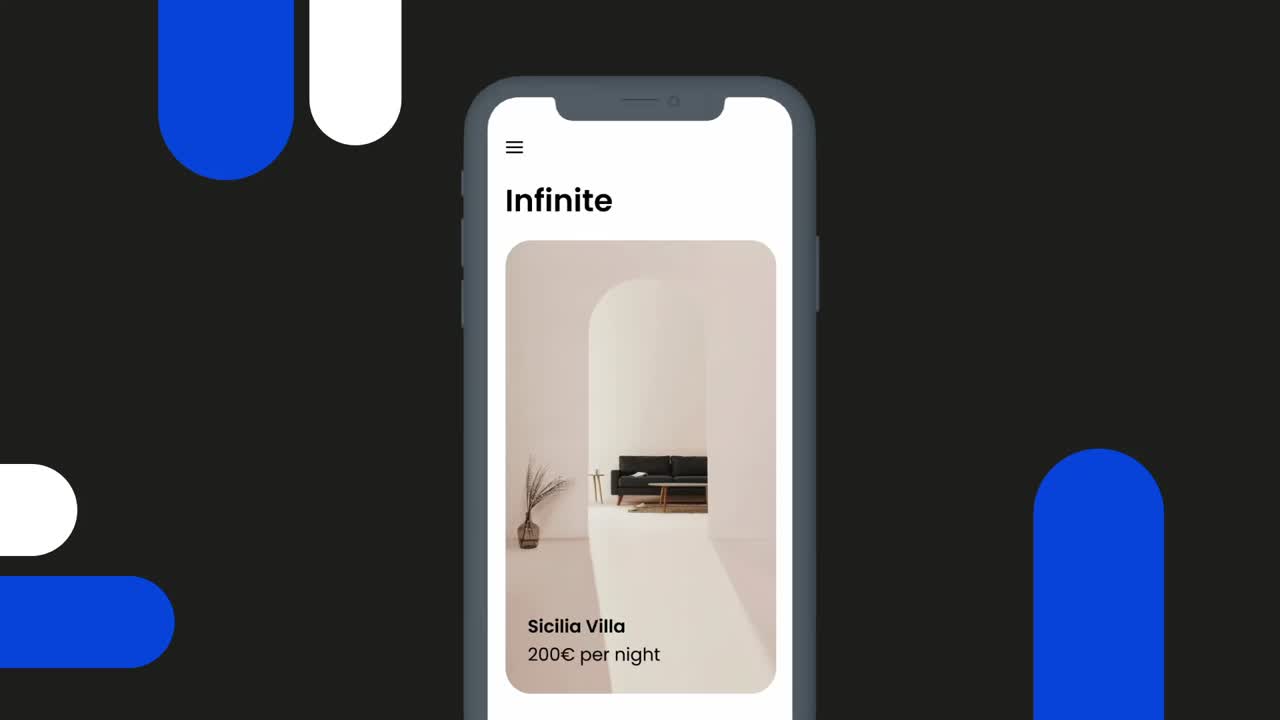
Horizontal sliding items with auto sliding or manual.
Sliders
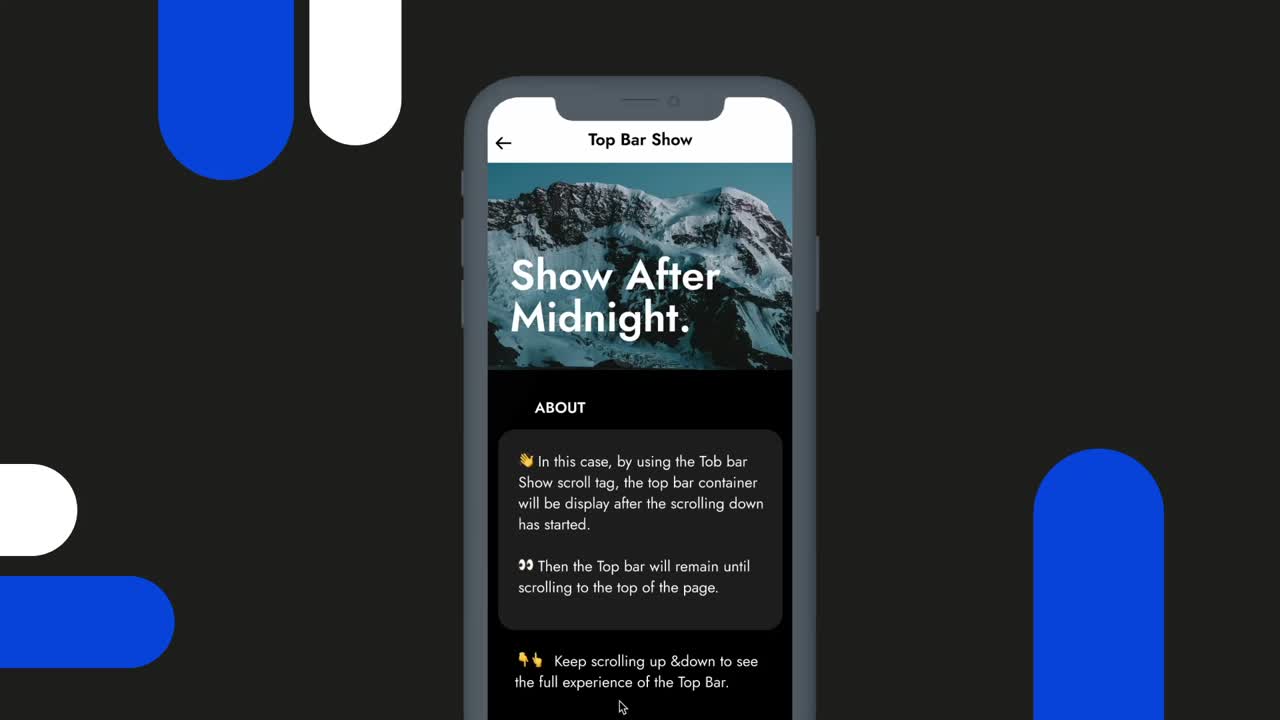
Fully customize your app top bar.
Top bars
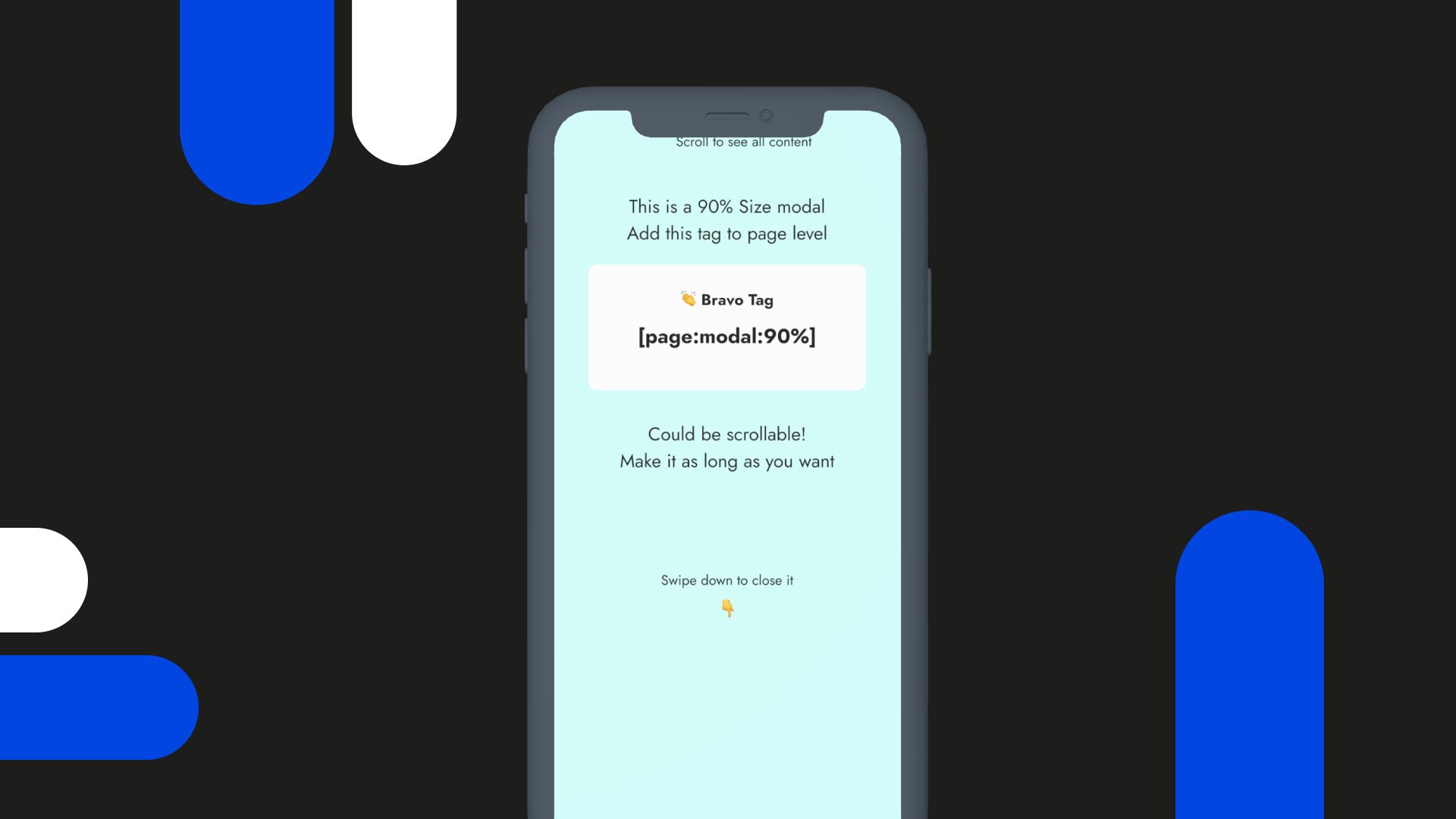
Add a screen that slides in from the bottom.
Modal pages
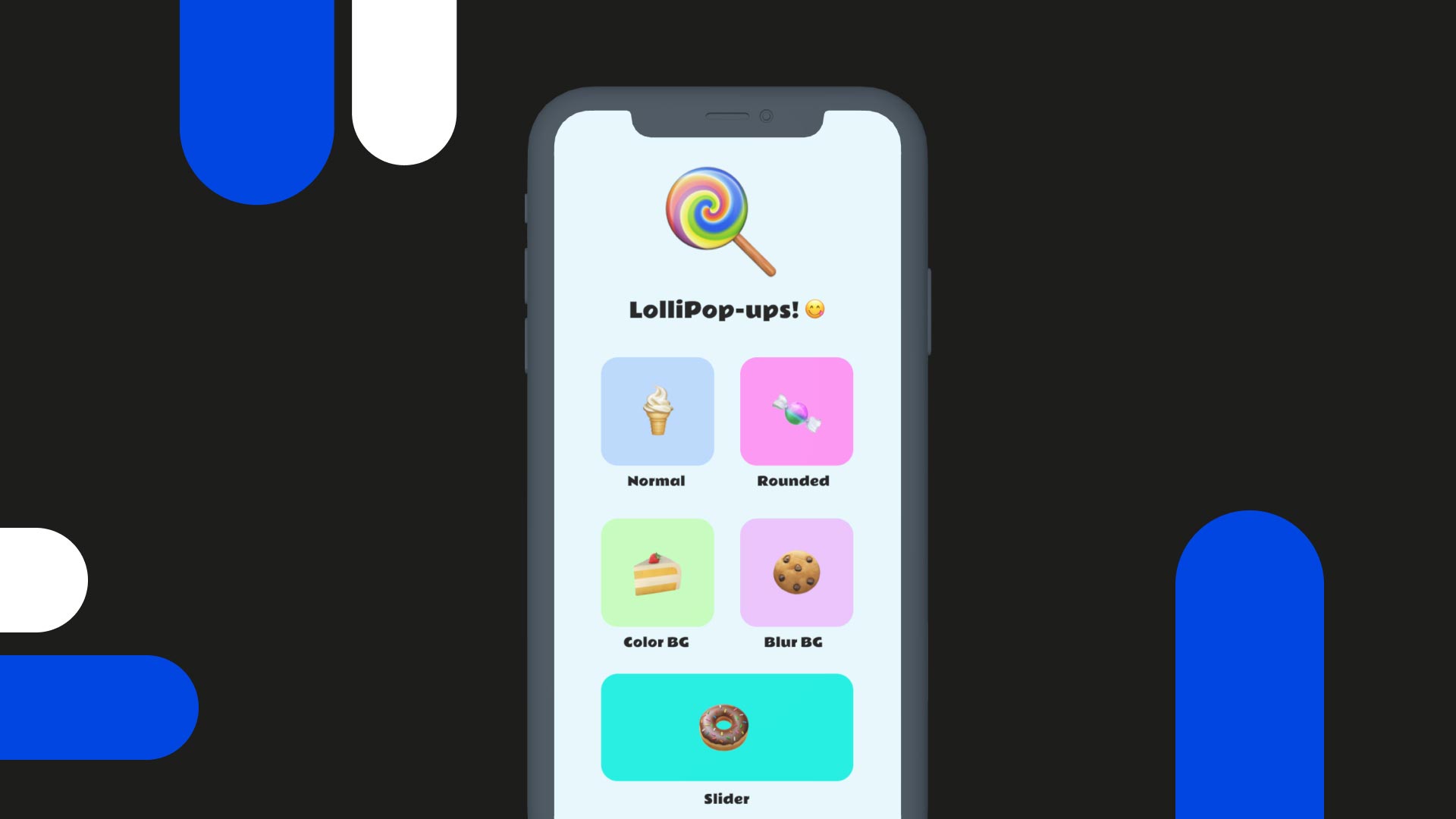
Advertise new products or services in-app.
Pop up pages
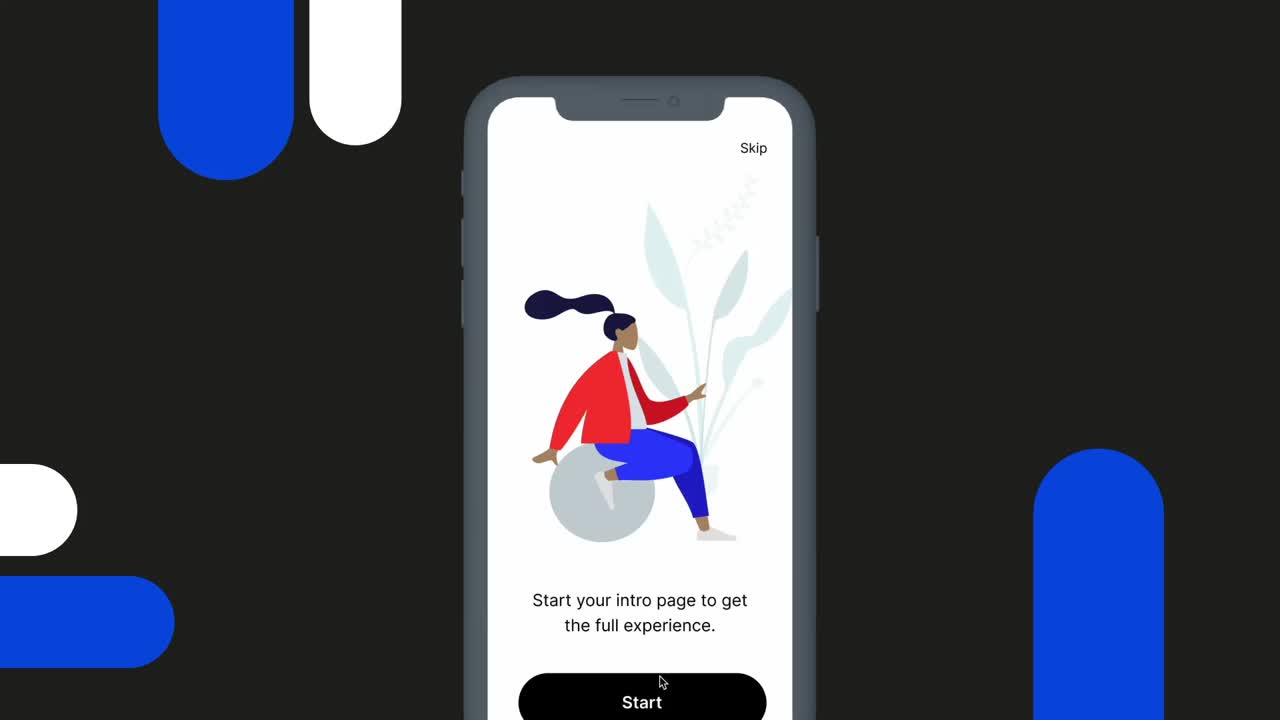
Educate new users how your app works.
Intro pages
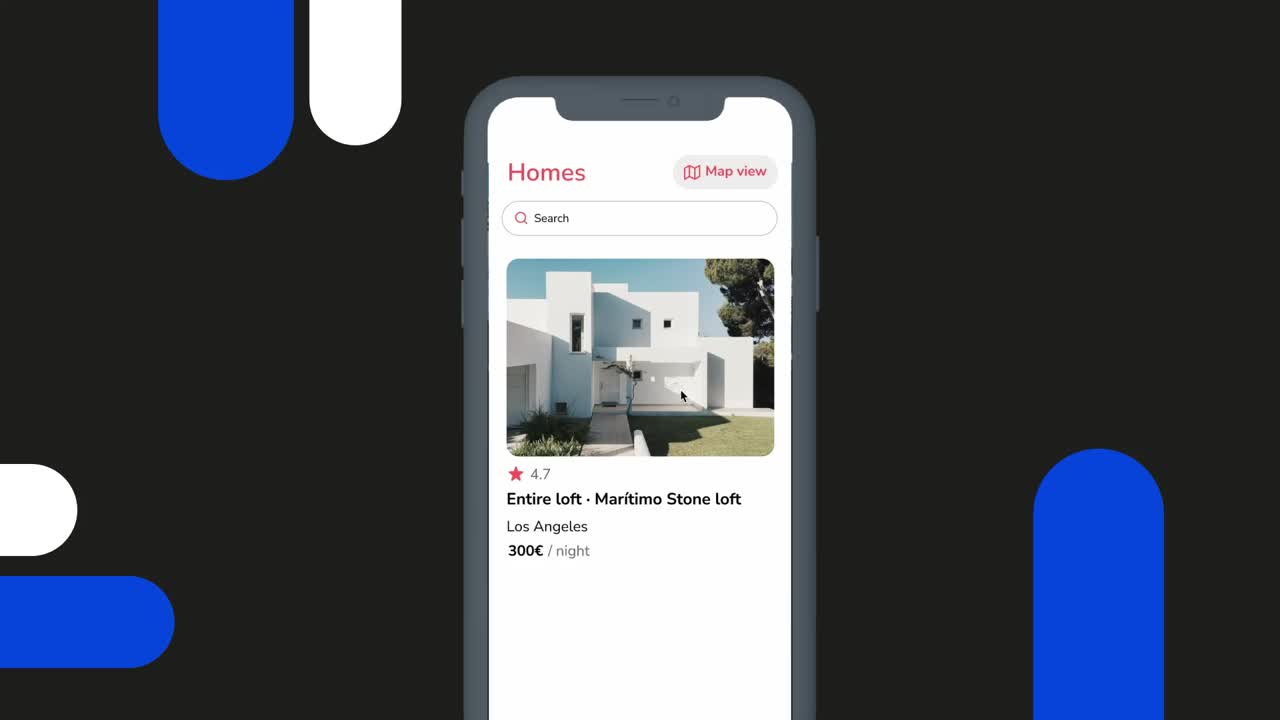
Choose how your app pages appear as users navigate.
Reveal animations
Components
From quick MVP to production-grade app, we've got every component you'll need — wired to data, styled to spec.
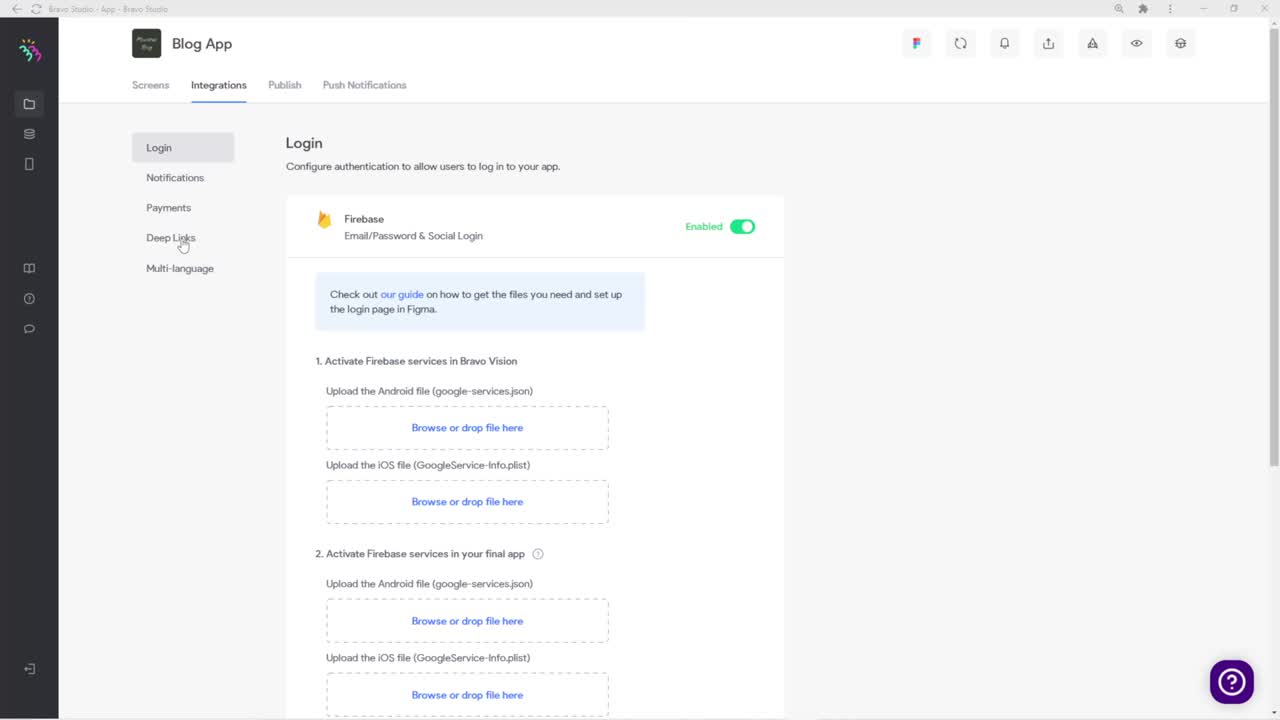
Audio-less video that autoplays on screen entry.
Video background
Add animated GIFs to your design.
GIFs

Drop animated Lotties via the LottieFiles Figma plugin.
Lottie files
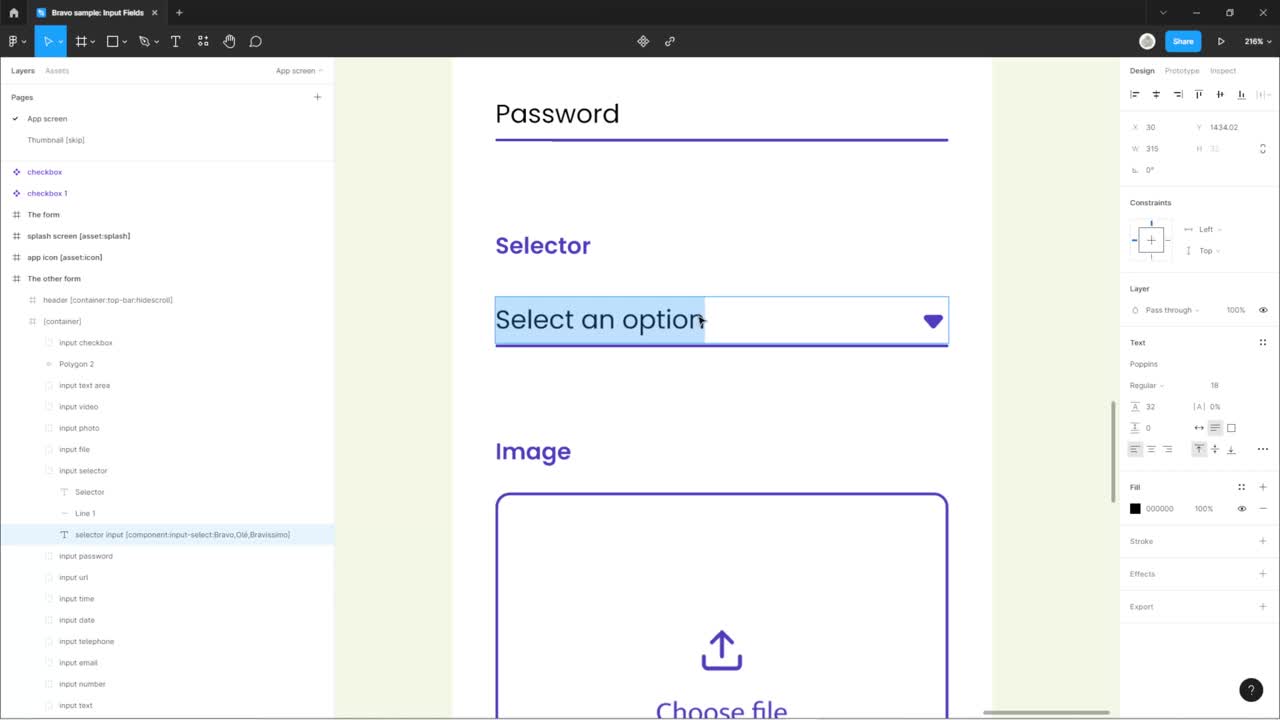
Wrap web pages (URLs) inside your app.
Webview
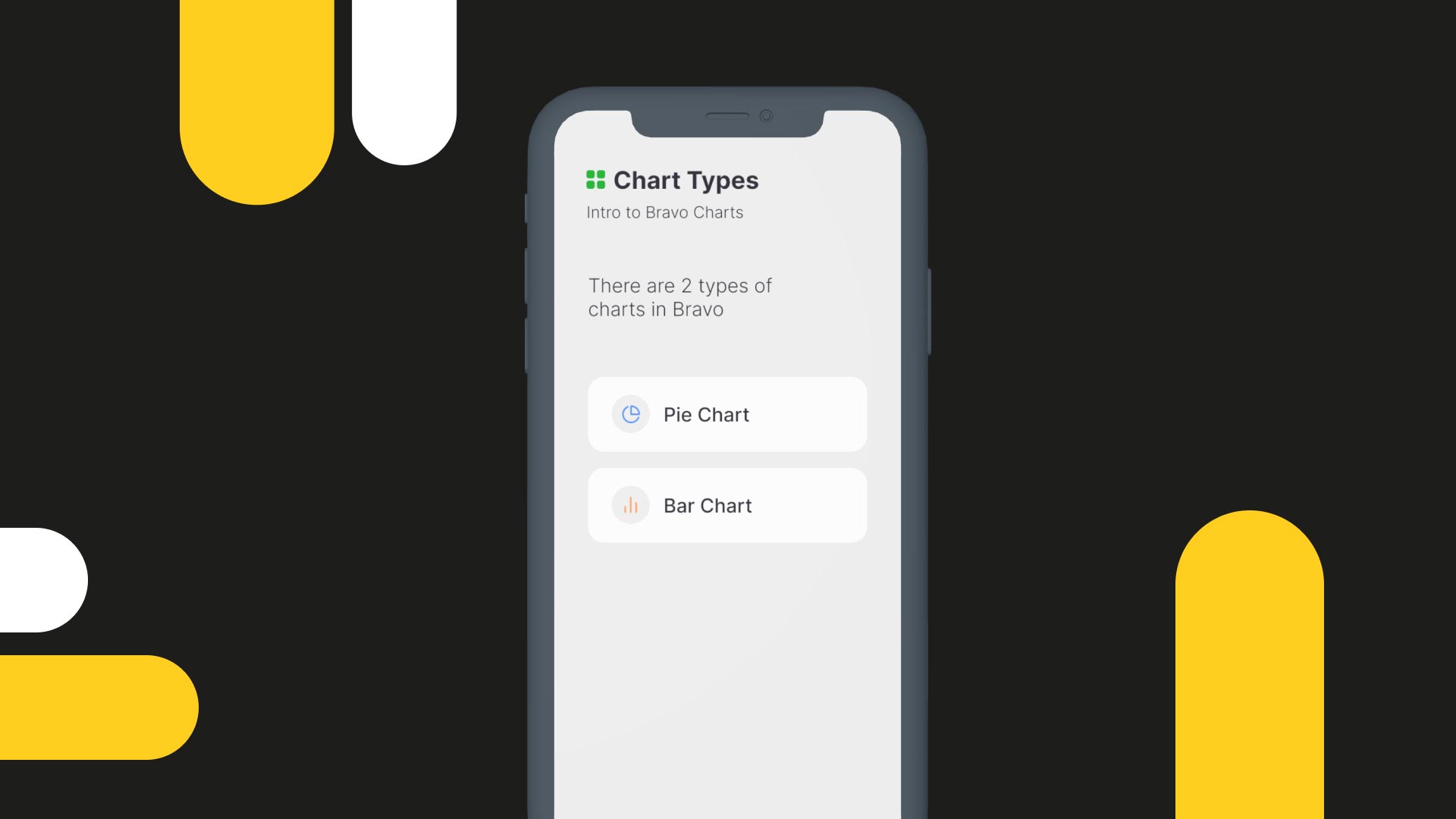
Visualise data straight from your database.
Charts

Custom markers + device GPS to personalise results.
Maps & share location
Actions
Make every tap do something real — call APIs, open native dialogs, share, search, filter.
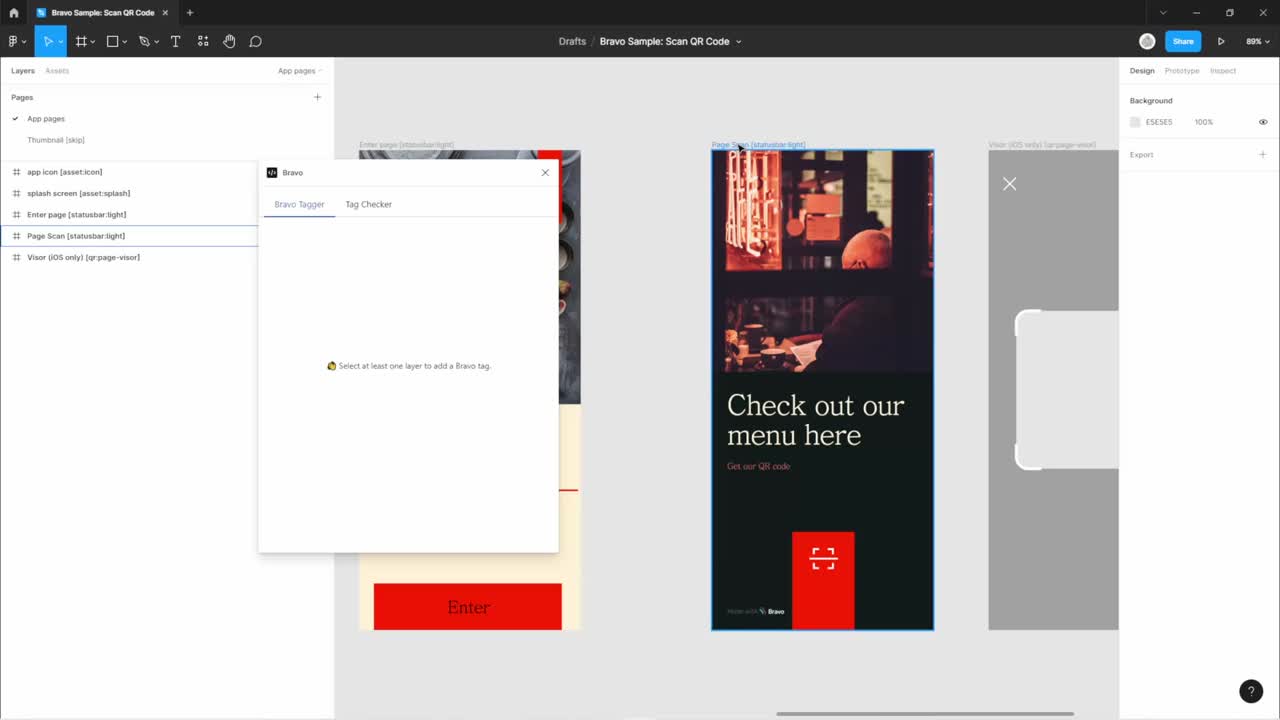
Trigger an API request from any UI element.
Remote actions
Open the native phone dialog with the specified number.
Open phone dialog
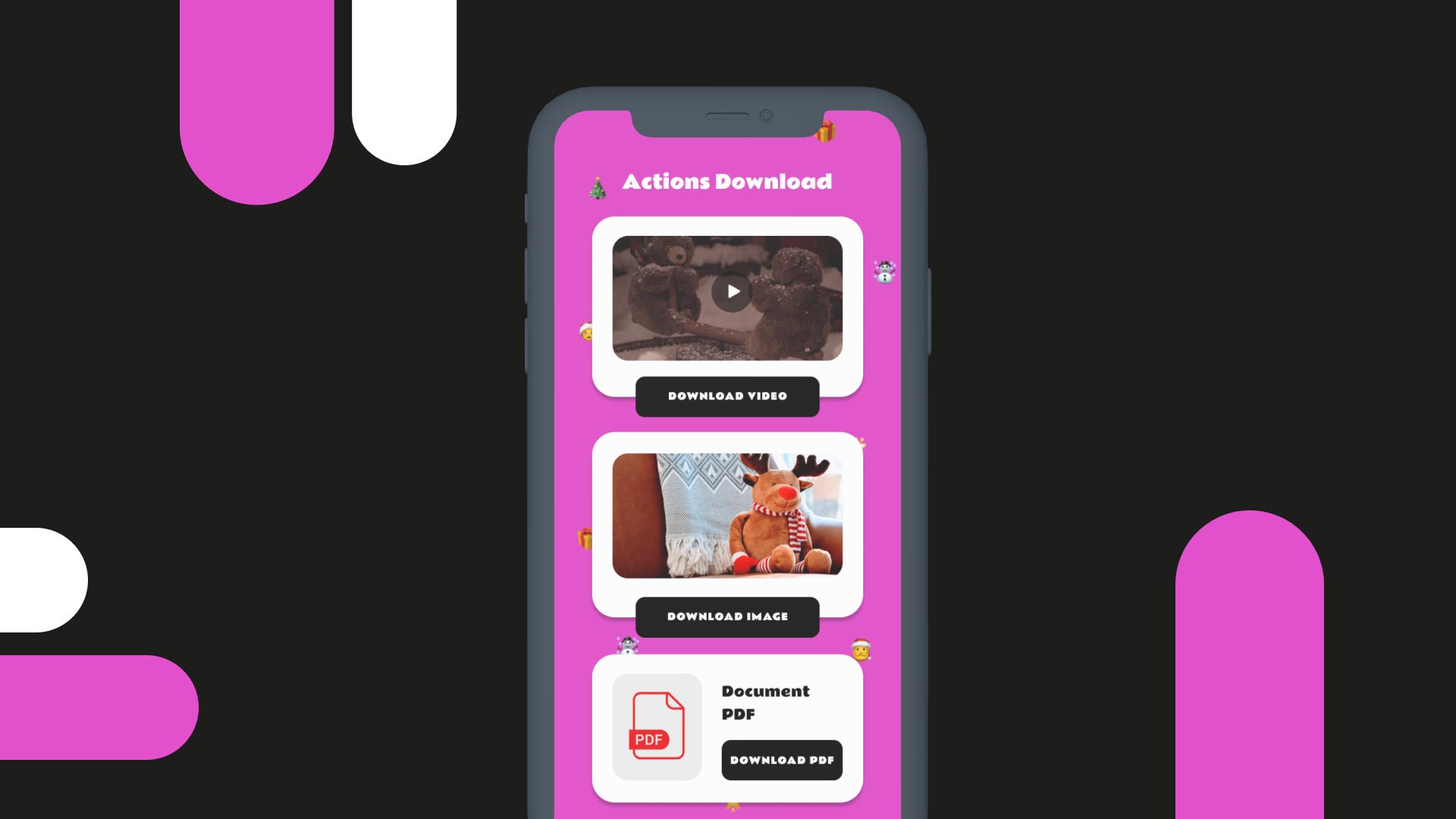
Let users download images, videos & PDFs to their phone.
Download files
Open the camera to scan codes and route the result.
Scan QR
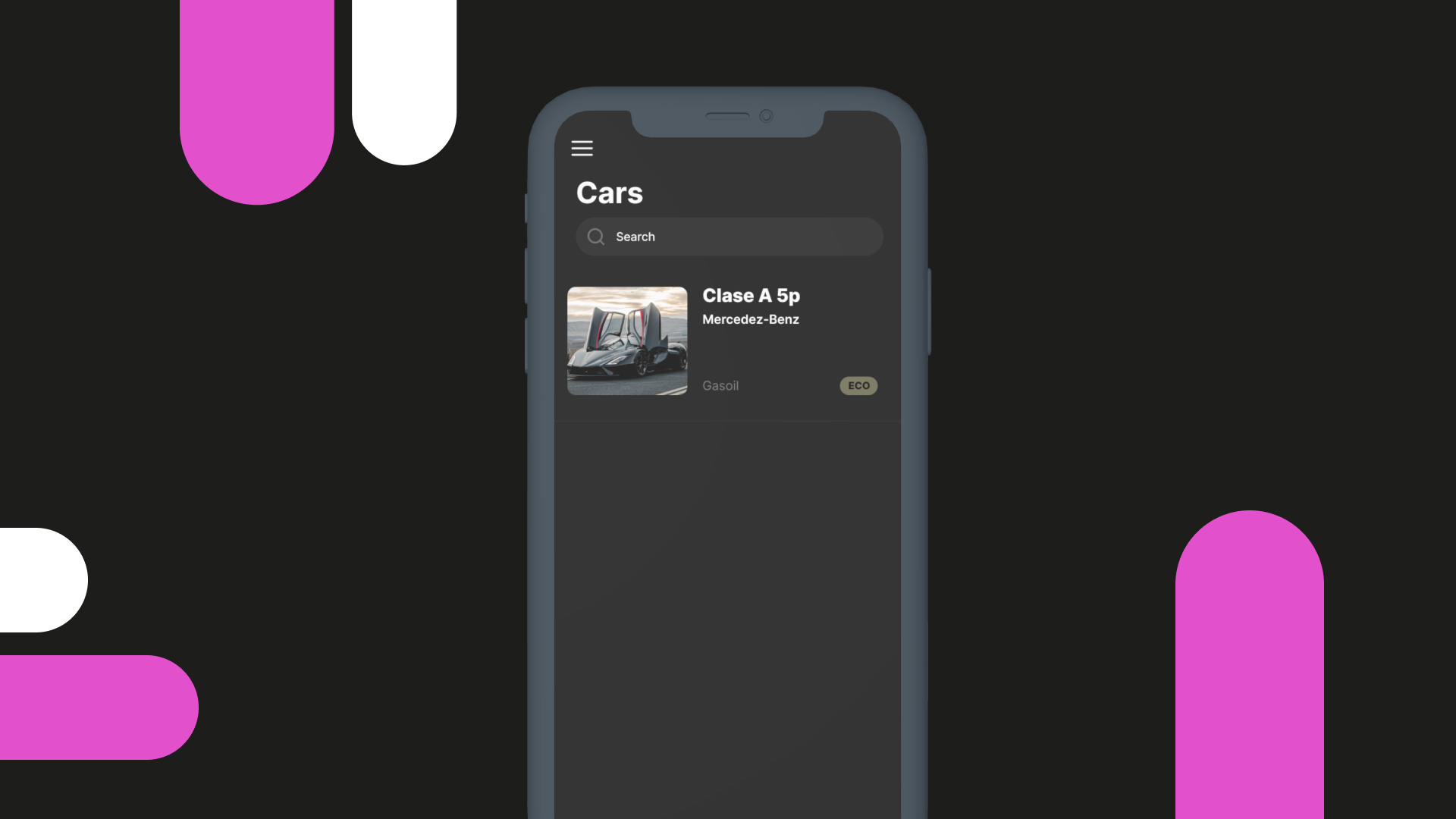
Search and filter list items on the same page.
Search & filter
Direct users to web pages via the device browser.
Open URL
Open the native share dialog with a specific URL.
Share dialog
Open the native compose-email dialog with a target address.
Email dialog
Advanced
Production-grade plumbing — auth, payments, push, custom APIs — without the production-grade ops bill.
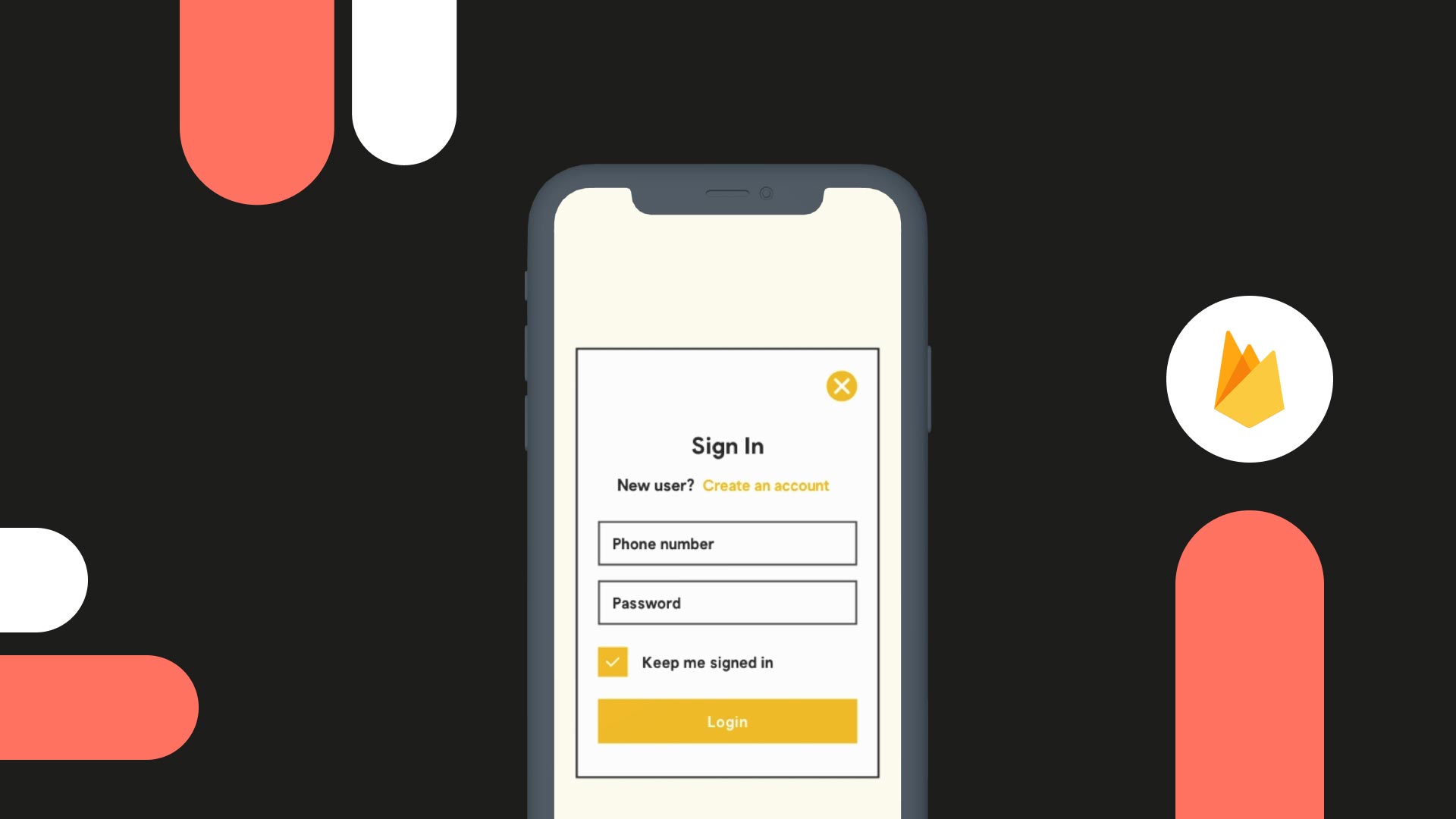
Add a login page backed by Firebase Auth.
Login (Firebase)
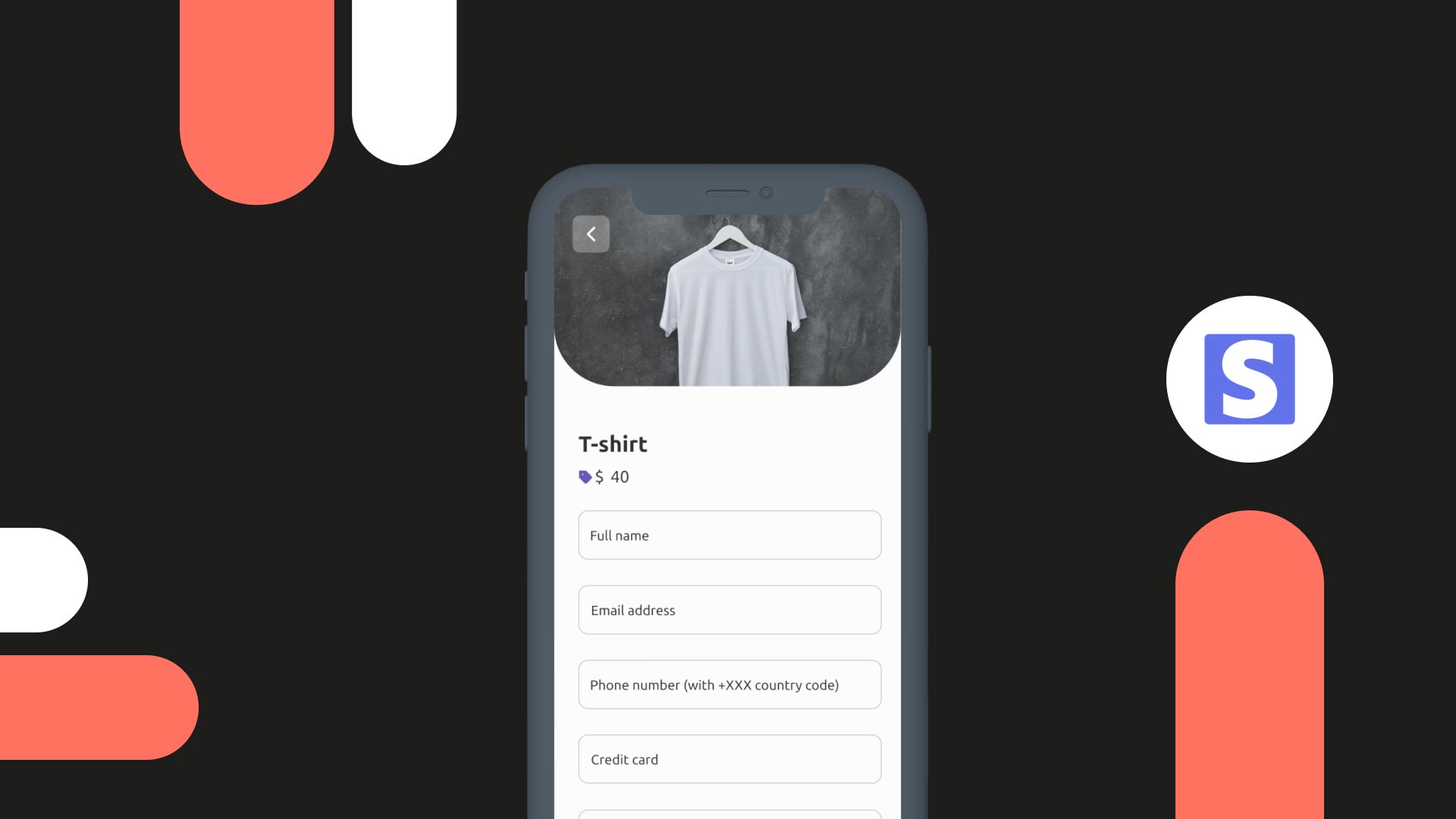
Accept direct payments inside your app.
Payments (Stripe)
Talk to third-party services for user info exchange.
OAuth
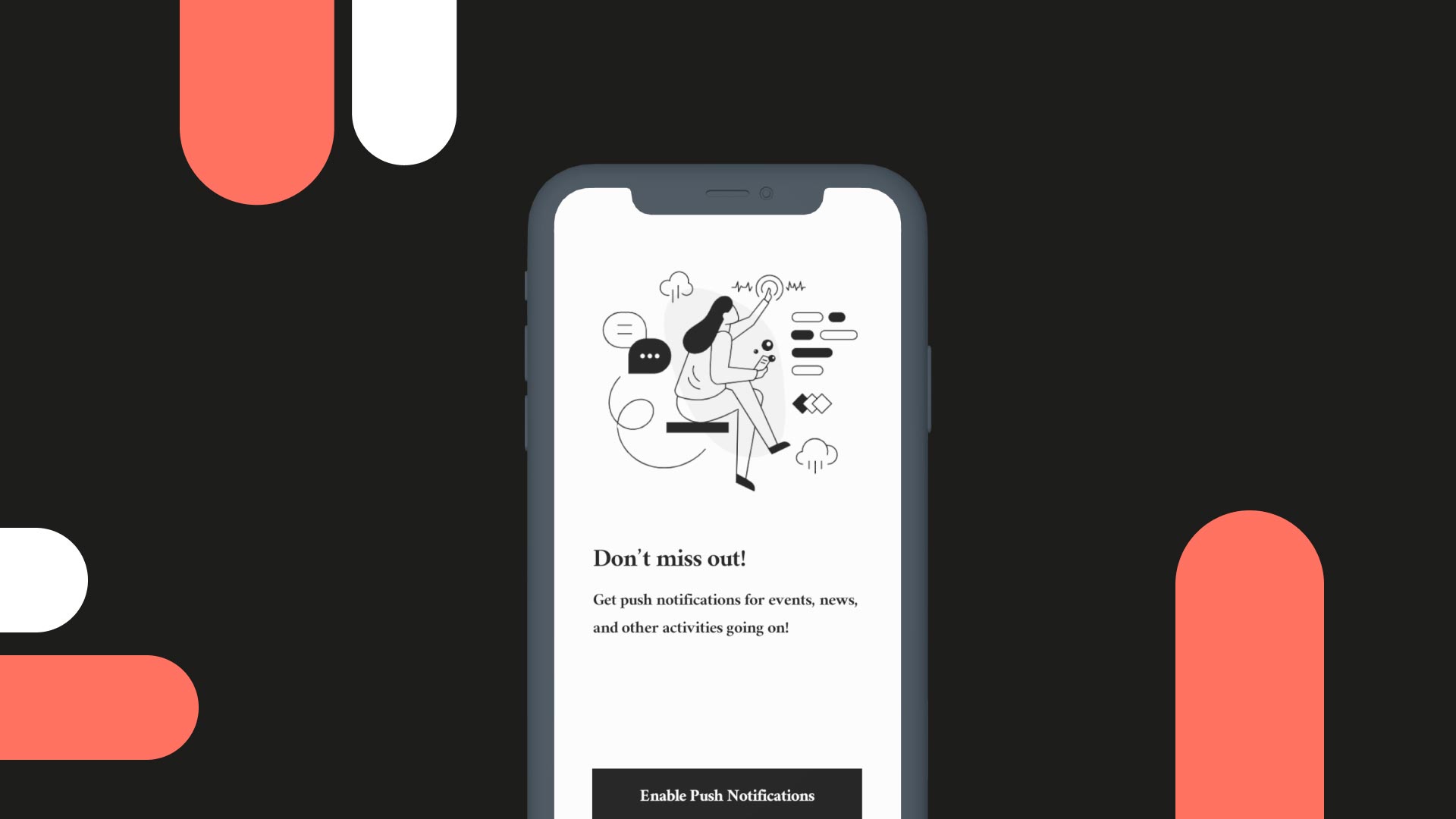
Send native push for updates, promos, news.
Push notifications
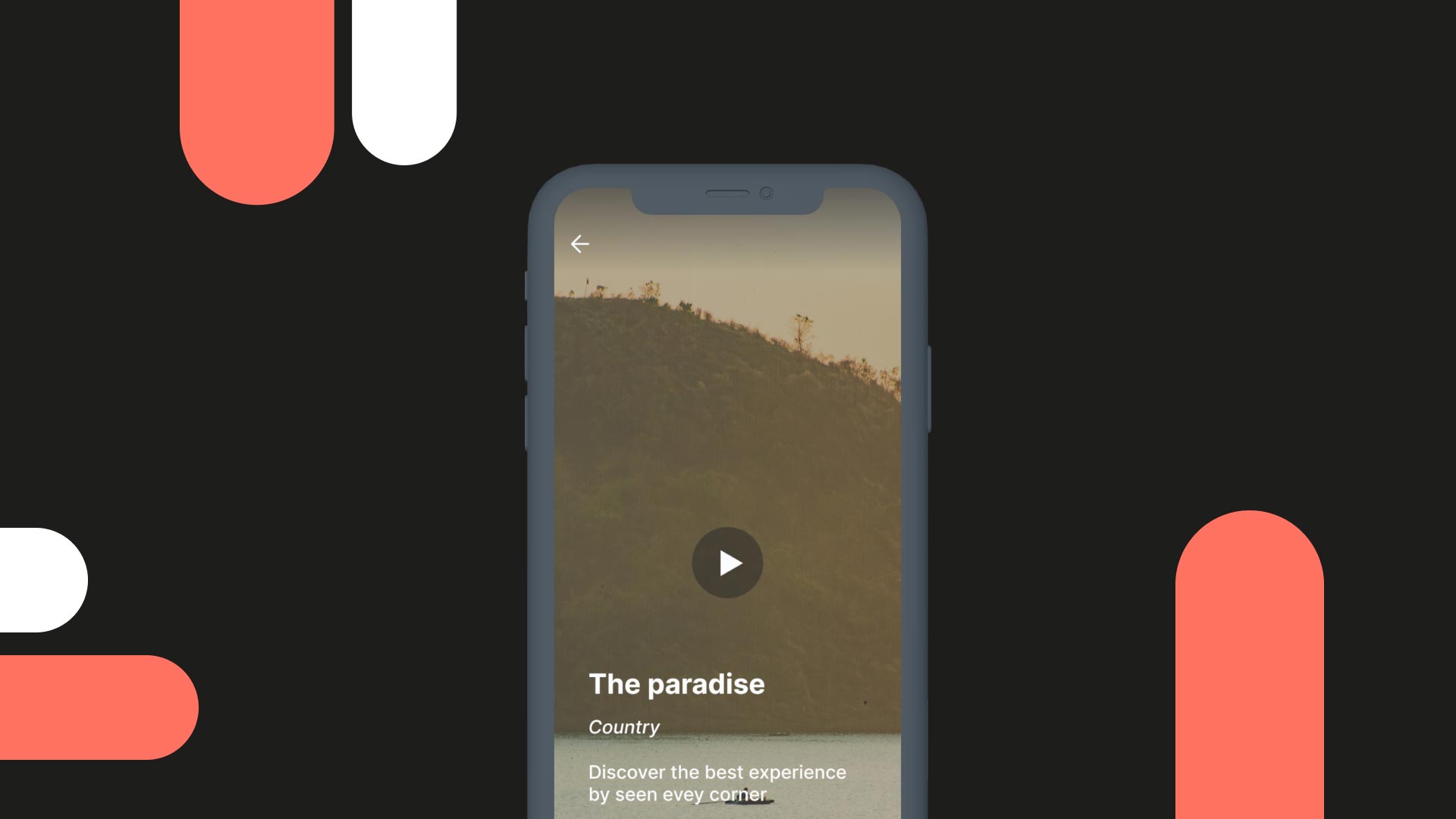
Customize how loading state is communicated.
Custom loading page
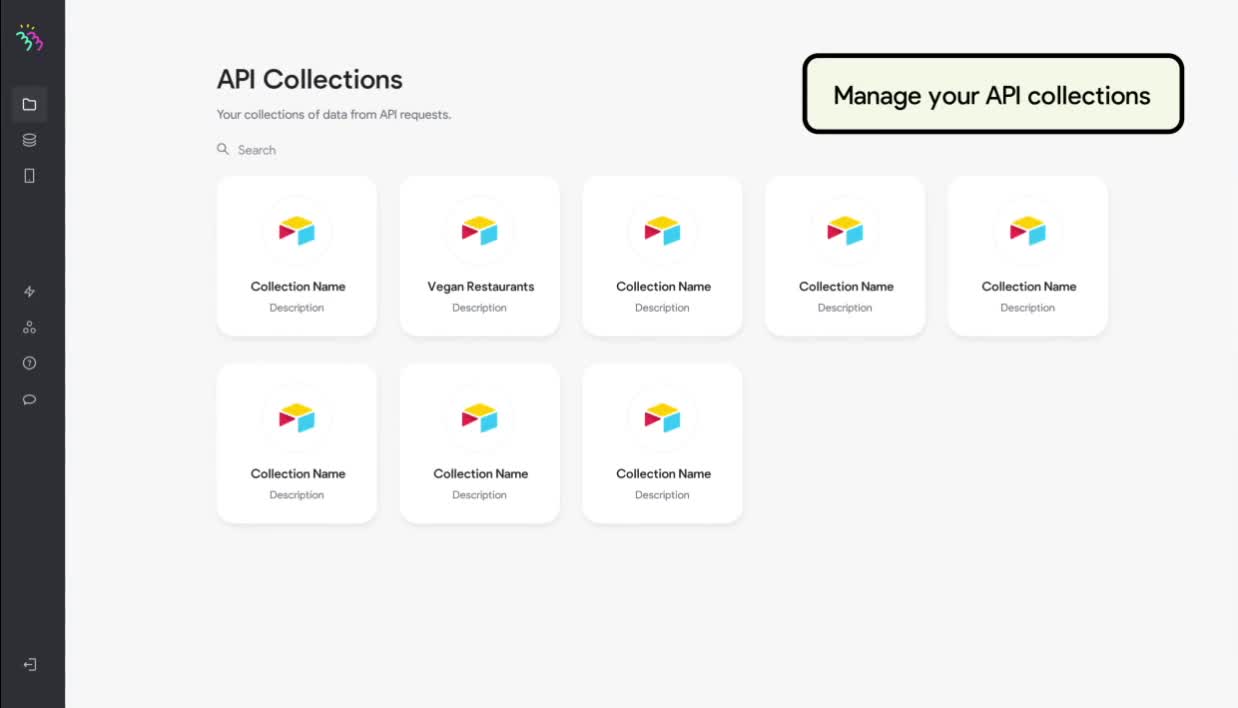
Connect to any REST API or custom backend.
APIs & external data
Publication
Ship to the App Store, Play Store, or distribute via Bravo Vision — your choice, the same build.
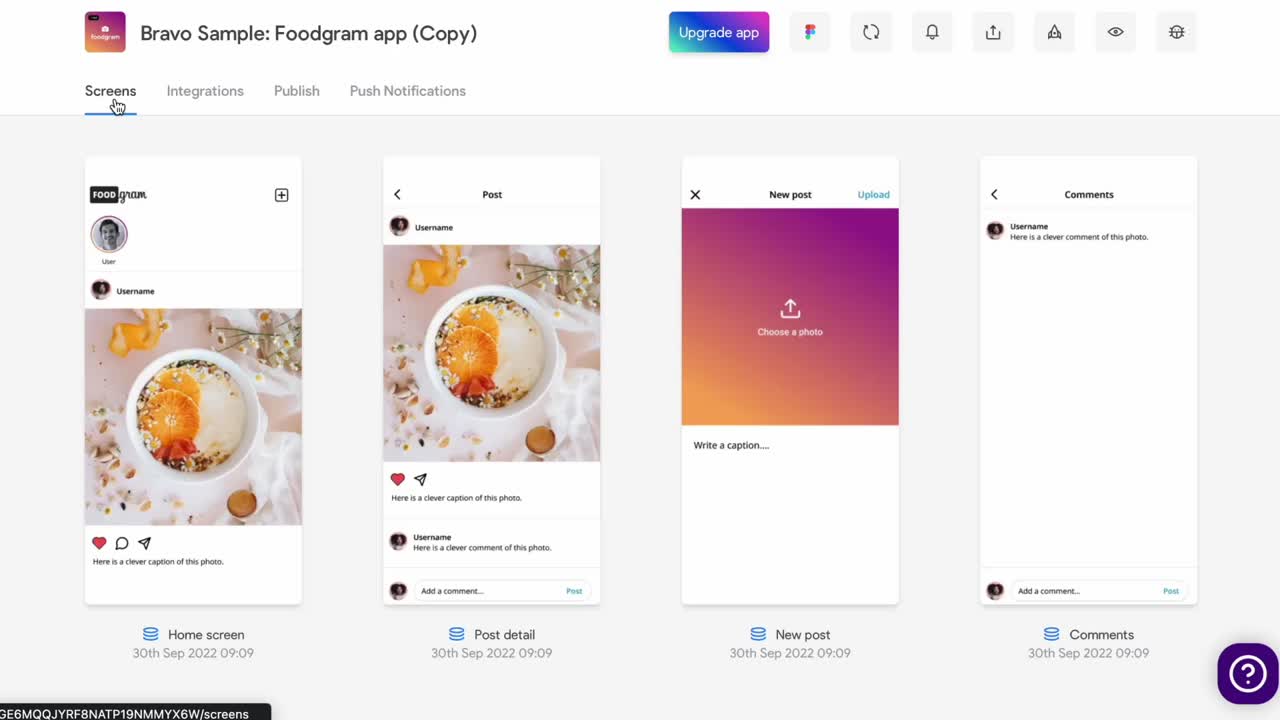
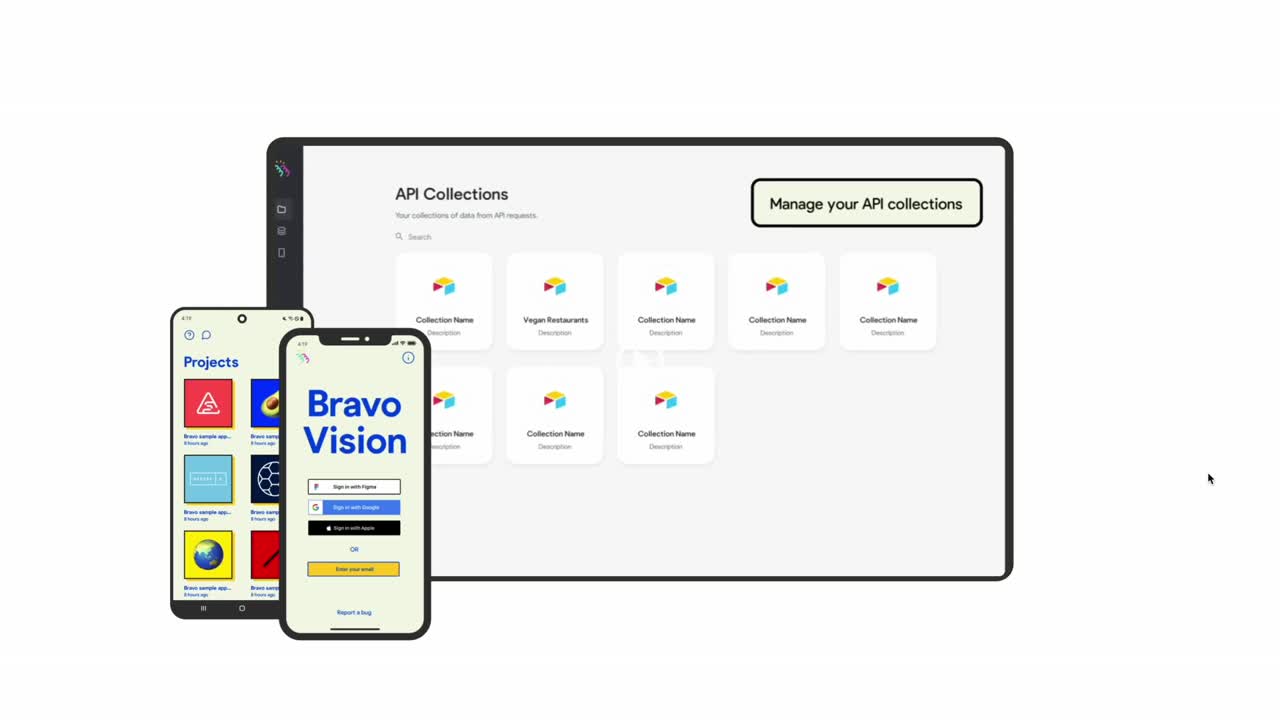
Real revenue, from day one.
Bravo integrates with RevenueCat so you can launch subscriptions, manage entitlements, and start receiving payouts — without writing a line of native code.
Subscriptions
Monthly, annual, or trial-then-paid with one Figma binding.
Entitlements
Gate screens & content with role-aware visibility states.
Payouts
RevenueCat handles app-store reconciliation and reporting.
Available on the Business App upgrade.
Connect your Figma.
Get all of this.
One file. One workflow. Every native capability Bravo ships with — yours from day one.