A practical guide from idea to App Store
Building mobile apps has changed dramatically.
What used to take months of development can now happen in days with AI.
But there’s a catch:
AI doesn’t remove complexity — it shifts it.
The real challenge today isn’t writing code.
It’s setting up the right foundation so AI can actually build your app.
If you’re wondering how to build a mobile app with AI, what tools to use, and what the real workflow looks like today — this guide breaks it down step by step.
The 5 Stages of Building a Mobile App with AI
From idea to App Store, every app now goes through these five stages:
What to build
Tech stack
UX design
AI development system
External services
Let’s break them down.
1. What to Build
Validate before you build
The biggest mistake founders make?
Starting too fast.
Ideas are cheap — but most don’t survive contact with reality.
Before writing a single line of code, you need to:
Pressure-test your idea
Challenge assumptions
Validate demand
Recommended approach
Use AI as a thinking partner.
Tools like GStack help you:
Refine your idea
Explore market fit
Identify weaknesses early
The goal is simple: Make sure what you’re building is worth building.
2. Tech Stack for AI Mobile Development
Choose your foundation wisely
Once your idea is validated, the next step is choosing your stack.
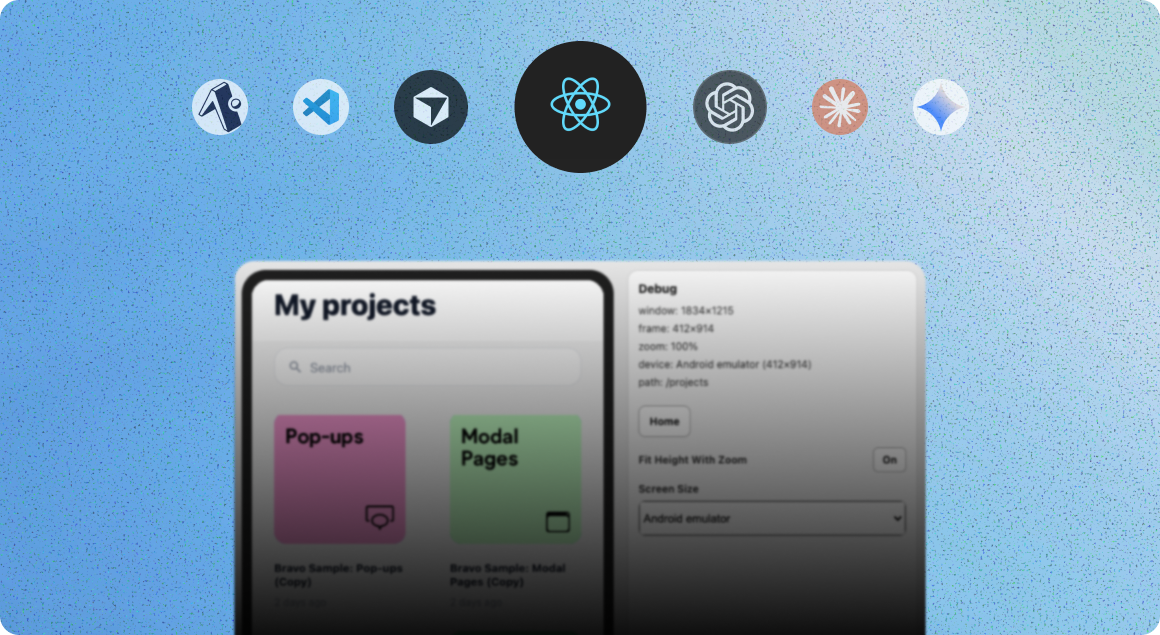
Choosing the right stack is critical when building a mobile app with AI, as it directly impacts how effectively AI tools can generate and maintain your code.
Option 1. Fastest validation
Bravo Studio
If your goal is speed:
Turn Figma into a working app quickly
Test your idea with real users
Avoid heavy setup
Option 2. Maximum flexibility
React Native + Expo
If your goal is long-term scalability:
One codebase for iOS and Android
Full control of your app
Ideal for AI-assisted development
Backend options
Modern backend tools remove a huge amount of complexity:
Xano
Sutro
Convex
These tools handle infrastructure so AI can focus on building features.
3. UX Design
Design is now directly connected to code
Great apps still start with great design.
What’s changed is how design connects to development.
If you already have designs
Figma + AI
AI tools can now:
Read your Figma files
Translate designs into code
Maintain high visual fidelity
If you’re starting from scratch
Stitch by Google
You can:
Generate full UI systems from prompts
Create screens instantly
Skip weeks of design work
Design is no longer a bottleneck — it’s part of the AI pipeline.
4. AI Development System
The engine that builds your app
This is where the magic happens.
This is the core of modern AI mobile development, where tools like Claude and OpenAI actually generate and iterate on your app.
Your AI development system is responsible for:
Writing code
Fixing bugs
Running tests
Shipping updates
Recommended tools
OpenAI (Codex)
Claude
Instead of using wrappers or limited tools:
Go direct to the models.
Why?
More flexibility
Better performance
Lower cost
Pro tip: Use “skills”
Skills are pre-built capabilities that improve results.
For example:
Expo provides mobile development skills
Anthropic offers skill systems for Claude
With the right setup, AI becomes dramatically more reliable.
5. External Services
Don’t build what you can plug in
Modern apps rely heavily on external services.
Instead of building everything yourself, integrate best-in-class tools:
Authentication
Kinde — handles login, users, and security
Payments
Stripe — industry standard for transactions
Subscriptions
RevenueCat — cross-platform subscription management
Notifications
OneSignal — push notifications across iOS and Android
These services remove months of engineering work.
Putting It All Together
From idea to App Store
Once everything is in place, the workflow looks like this:
Ideate → validate your idea
Build → set up your tech stack
Design → create your UI
Code → let AI generate the app
Integrate → connect services
Ship → publish to App Store & Google Play
At this point, AI can:
Write the code
Fix its own bugs
Deploy your app
The Real Bottleneck
Setup is the hardest part
Here’s the truth most people discover:
AI can build apps — but only after everything is set up correctly.
That setup includes:
Project structure
Backend
Authentication
Payments
Notifications
Deployment
And that can take: days or even weeks
Introducing Bravo-To-Go
Skip the setup. Start building.
This is exactly why we built Bravo-To-Go.
Instead of spending weeks configuring your stack…
We do it for you.
If you’re serious about building apps with AI, removing the setup bottleneck is one of the biggest advantages you can have.
What you get
A ready-to-build React Native app
Backend and infrastructure configured
Figma connected to your codebase
AI tools set up and optimized
External services pre-integrated
Publishing pipeline ready
Delivered in a few days
Why this matters
Bravo-To-Go gives you:
Speed — start building immediately
Flexibility — full control of your code
Future-proofing — use the latest AI tools anytime
Instead of:
“learning tools and setting up infrastructure”
You focus on: building your product
Final Thoughts
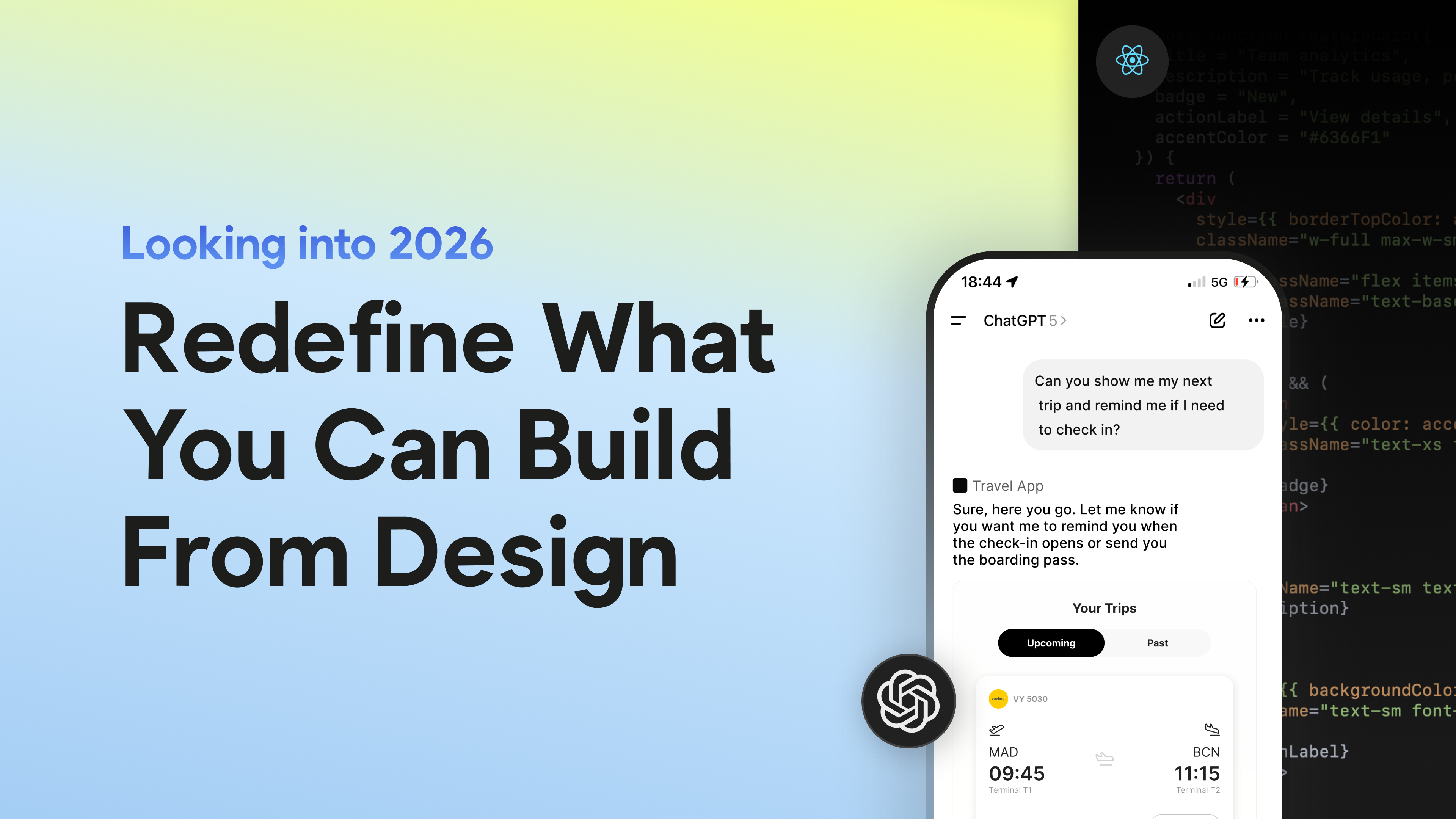
Building mobile apps in 2026 is no longer about coding everything manually.
It’s about:
choosing the right stack
setting up the right foundation
and letting AI do the heavy lifting
If you get the setup right: You can go from idea to App Store faster than ever before.
Start Building Your AI App
If you’re exploring AI-assisted development and want to move faster, this is the approach.
Talk to us about Bravo-To-Go: We’ll help you go from Figma to a working app in a few days.