Bravo Expert Juan Carlos is back — this time showing how to take your Bravo apps to a whole new level with Webview Communication.
Whether you’re creating custom maps, galleries, or dynamic HTML components, this feature unlocks the ability for your own web code to talk directly to Bravo — opening screens, sending data, or triggering actions.
What Is Webview Communication?
Bravo’s Webview Communication lets you embed your own HTML, CSS, and JavaScript inside your app — and connect it with Bravo’s navigation and data system.
This means you can:
Build rich, interactive UI elements beyond Figma
Pass data between your web component and your Bravo app
Trigger app actions such as open page, refresh data, or show alert
Extend your app with your own custom logic
It’s the perfect way to blend custom code power with Bravo’s visual no-code builder.
📘 Learn more: Bravo Docs – Webview Communication
In the New Tutorial
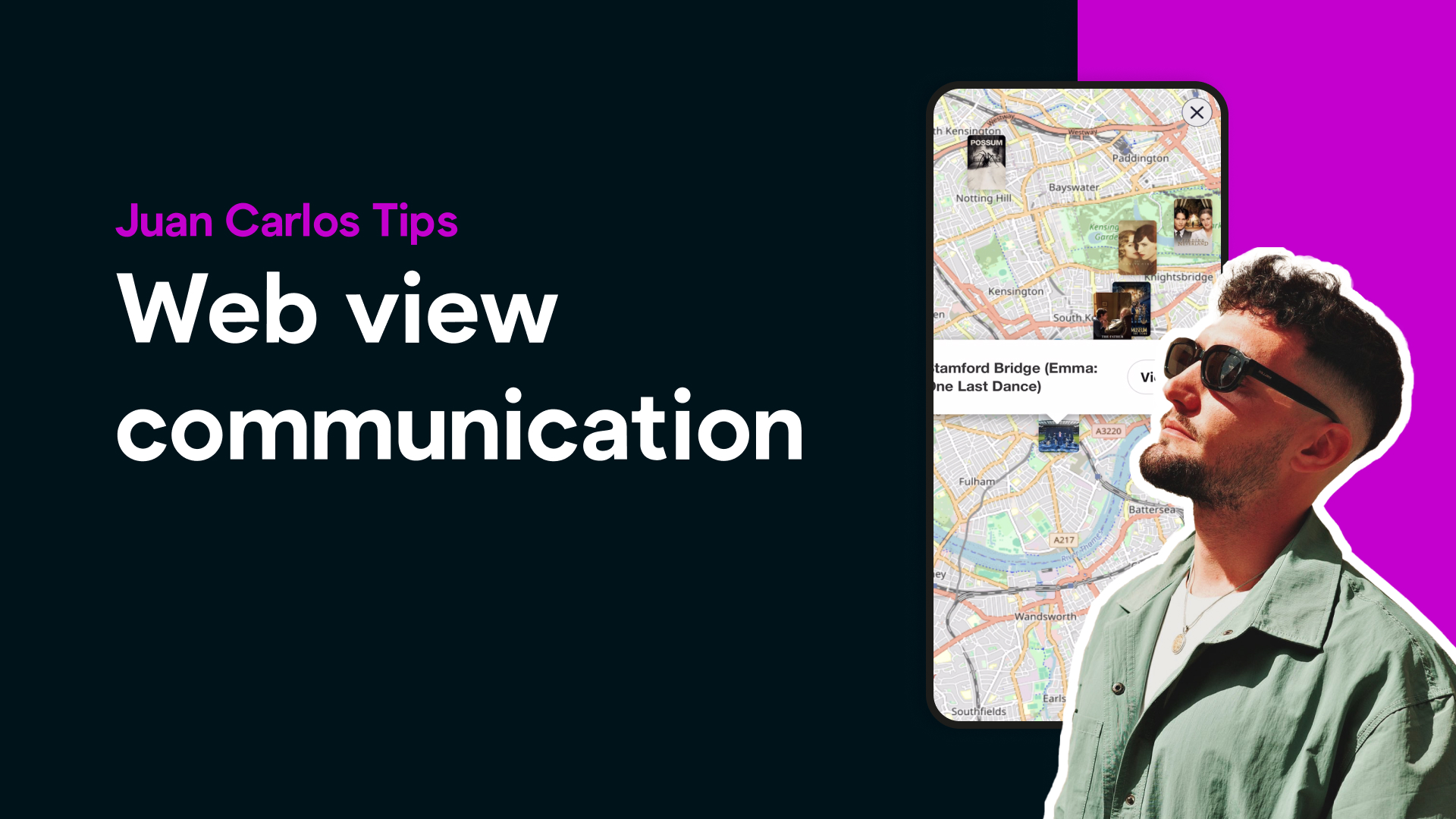
In his latest video, Juan Carlos walks us through how he built a custom interactive map inside his app Syatrail — powered by Webview Communication.
“When a user taps a marker, the map sends a message to Bravo to open the detail page for that location,” JC explains.“It feels completely native — but it’s really just a simple bridge between the webview and Bravo.”
Here’s how it works:
Create a Webview Frame in Figma — simply name your frame webview and connect an external HTML file.
Load Your HTML — in JC’s case, it’s a custom map built with HTML, CSS, and JavaScript.
Send Messages to Bravo — using a small piece of code, the webview sends messages like:
window.Bravo.navigateTo({ href: "detailPage", hrefRemote: { id: "placeID123" }});
This tells Bravo which screen to open and what data to pass along.
Instant Interaction — when a user taps a location, the app opens the corresponding Bravo page, seamlessly.
What You Can Build With It
Webview Communication opens up endless possibilities:
🗺️ Interactive MapsDisplay custom maps or geolocation features powered by external APIs.
🖼️ Dynamic GalleriesCreate scrollable galleries or carousels with custom transitions.
🧠 AI-Powered WidgetsEmbed visual elements that show live AI-generated content.
📊 Custom DashboardsDisplay analytics, charts, or data visualizations with JS libraries.
The result: apps that feel native but are powered by your creativity and code.
Resources
📘 Bravo Docs – Webview Communication
🎥 Watch JC’s Full Tutorial (YouTube) (coming soon)
Why It Matters
Webview Communication is one of Bravo’s most powerful features — it bridges the gap between no-code and custom code, allowing you to combine the best of both worlds.
You get Bravo’s simplicity for structure and APIs, plus the flexibility to integrate your own HTML, JS, or AI logic — making it perfect for advanced builders and creative agencies alike.
About the Creator
Juan Carlos is a Bravo Expert and creator of standout apps like Kōra, which lets you talk with history’s greatest philosophers using Bravo’s new AI Voice feature.Follow his tutorials for advanced Bravo techniques and practical examples.
Want to work with JC? Reach out to him and speed up your development: https://juancarlostoledanosantosdh0rzenj.contra.com/
Ready to try it yourself?
👉 Explore the docs and start building:Webview Communication – Bravo Studio Docs
Bring your creativity to life — one webview at a time.