Native Prototying: What Are Native App-Specific Features?
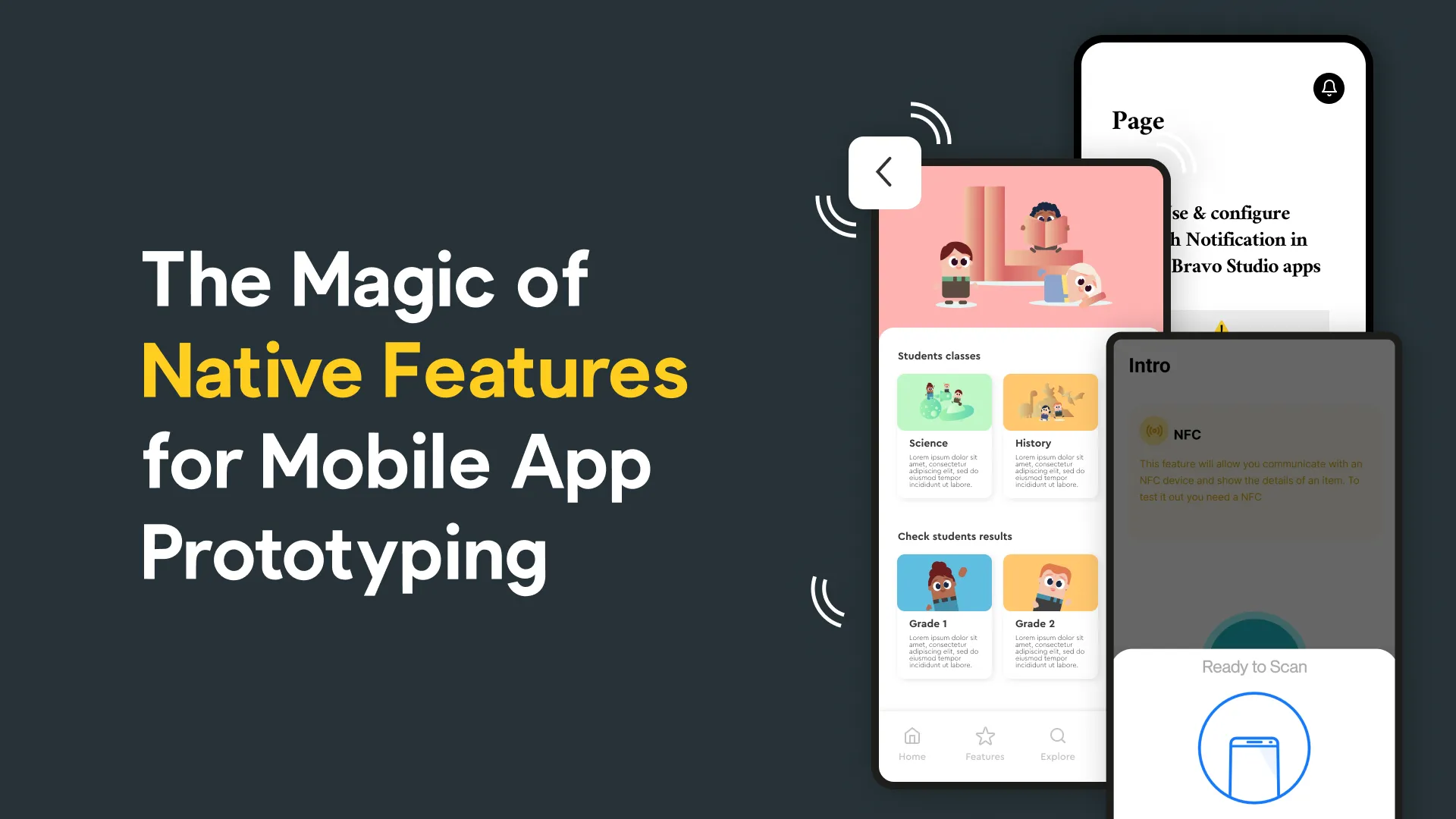
Native app-specific features refer to the functionalities and capabilities that are inherent to a specific mobile platform, such as iOS or Android. These features are tailored to the platform's operating system, making them perform optimally and seamlessly on their respective devices. Examples of native features include push notifications, haptic feedback, camera access, NFC, and in-app purchases.
The Basic Features of a Mobile App
Before diving into native features, it's crucial to understand the fundamental elements of a mobile app. Basic features encompass aspects like user interface, navigation, and the overall functionality of the app. These are the building blocks upon which native features are integrated to create a compelling user experience.
Defining Native Applications in Mobile App Development
A native application is one that is designed and developed for a specific mobile operating system. For instance, a native Android app is built using Java or Kotlin, while a native iOS app is created using Swift or Objective-C. These apps are optimized for performance and can take full advantage of the device's capabilities.
With Bravo Studio **you can build one prototyping application and generate two native apps **(AAB and IPA) built with these technologies, without requiring coding skills, which saves a lot of development time.
What Should a Mobile App Prototype Include?
A well-crafted app prototype is the blueprint for your final mobile application. It should include:
User Interface Design: A visual representation of how the app will look and feel. Figma is the perfect tool for this!
Functional Navigation: Clear pathways for users to navigate through the app.
Interactivity: Let users interact with the app's features and provide a good experience.
Native Feature Integration: NFC, haptic feedback, Maps, GPS, input form fields and many more are available in Bravo Studio.
Native Mobile Design vs. Non-Native Apps
The fundamental difference between native and non-native mobile apps lies in their development approach. Native apps are created for a specific platform, ensuring a high level of performance and integration. Non-native apps, on the other hand, are built using cross-platform frameworks and may not fully utilize the device's native features. This has a clear impact on performance and supported features. Also, native apps are more interactive and intuitive and run more smoothly.
How to Make a Mobile App Prototype with Bravo Studio
Creating a mobile app prototype involves several steps:
Conceptualize Your Idea: Define the purpose and goals of your app.
Wireframing: Sketch the app's layout and user interface in Figma.
Select Prototyping Tools: Choose tools like Bravo Studio for efficient prototyping.
Native Feature Integration: Ensure your prototype includes the use of native features specific to your target platform. Check the full set of Bravo Tags available.
User Testing: Gather feedback to refine your prototype with Bravo Analytics.
One more thing: Analytics and A/B Testing for Your Prototype
As you build your mobile app prototype, consider implementing analytics to gain insights into user interactions and preferences. This data-driven approach will inform your design choices. Additionally, A/B testing, as discussed in this Bravo Studio article, allows you to compare different design options to determine which one resonates best with your target audience.
Native Prototyping: final thoughts
In the competitive world of mobile app development, harnessing native features in your app prototype can be a game-changer. By understanding the fundamentals, integrating native features, and employing analytics and A/B testing, you're on the path to creating a successful and engaging mobile app. Start with a well-crafted prototype, and you'll be one step closer to building an app that users will love.