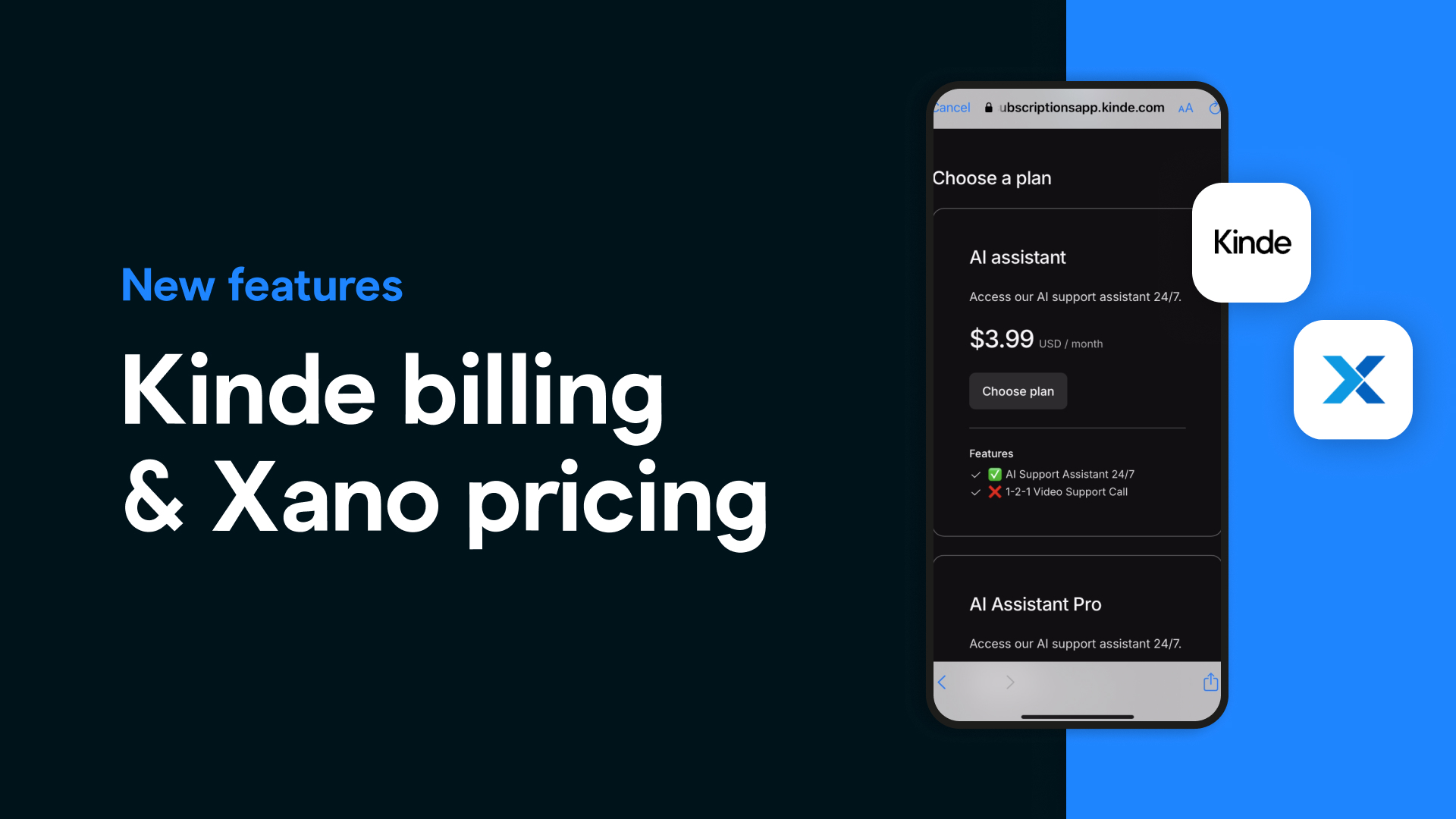
Kinde Now Offers Built-In Billing
Kinde just introduced subscription billing right next to its powerful authentication. That means:
Create subscription plans and set pricing tiers
Manage user access and entitlements with zero custom code
Use webhooks or APIs to automate billing workflows
Support for 130+ currencies and multiple pricing models (flat, tiered, usage-based, volume)
Seamless Stripe integration: let Stripe handle tax, invoicing, and secure processing
Bonus: On the Scale plan, Kinde charges only 0.5% per transaction, and every paid subscription means free MAUs (authentication becomes $0)
Whether you're building for B2C, B2B, or B2B2C, Kinde adapts to your business model—no backend hacks needed.
📲 This is perfect for Bravo Studio users launching monetized mobile apps.
Xano Launches “Everything AI” + New $29 Starter Plan
Xano’s latest release packs serious AI punch—and finally brings pricing down to earth.
New features include:
Xano Agents – Visual builder for AI-powered backend agents
Function Stack AI Assistant – Get smart suggestions as you build
XanoScript – A new backend scripting language
MCP server tools – For advanced customization & observability
💰 But the big news? Xano’s pricing now starts at just $29/month (vs. the previous $99/month).
That’s right:
Launch your backend affordably
Design smart, AI-native workflows
Perfect for Bravo Studio creators, MVPs, and indie app builders
Smooth upgrade path for teams as your product scales
With Kinde + Xano, you now have world-class billing, authentication, and AI backends—without breaking your budget.
Start building. Start monetizing with your Bravo Studio mobile apps.