In today’s fast-moving digital world, many teams use visual development tools like Lovable.dev, WeWeb, or similar platforms to create powerful web apps with advanced UI and logic. But when it’s time to go mobile, the challenge begins: ➡️ How do you turn that web app into a native-like mobile experience? ➡️ How can you test it, distribute it, and publish it without rebuilding everything from scratch?
That’s where Bravo Studio comes in. 💡
🎯 Wrap Your Web App in a Native Experience — Fast
Using Bravo Studio, you can wrap your existing web app inside a fully branded, native-ready mobile shell — complete with onboarding screens, an app icon, and smooth navigation.
Here’s how it works:
✅ Step 1: Build Your Web App
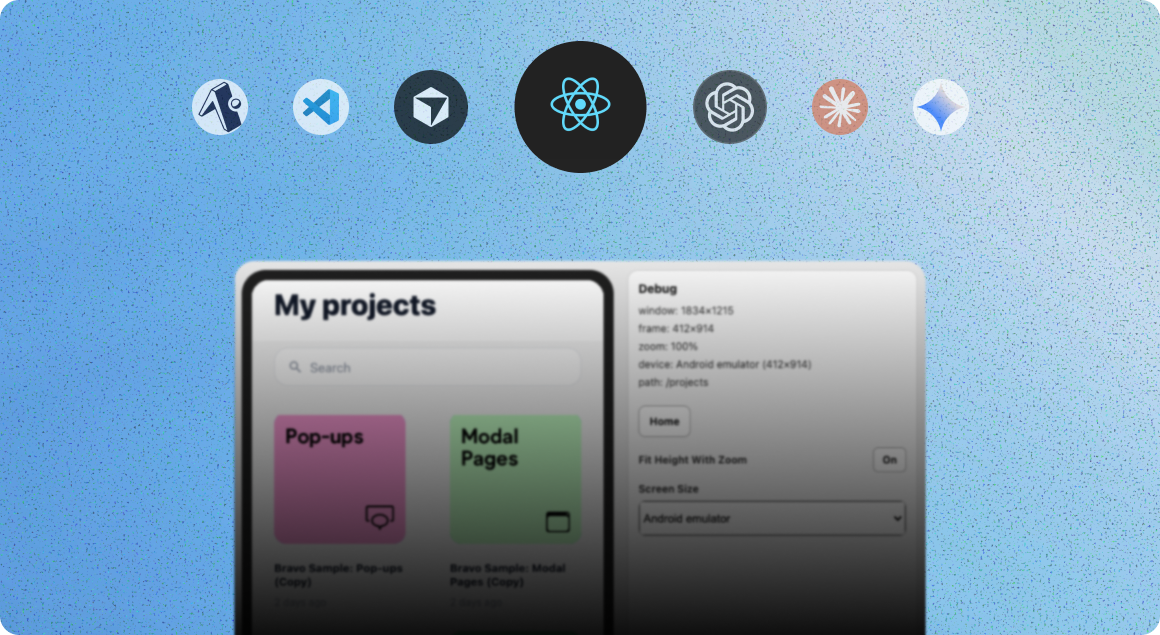
Start with your favorite no-code or low-code platform like Lovable.dev, WeWeb, or any tool that can generate a responsive web app. Ensure your app is fully functional in the browser with authentication, data tracking, and UI.
✅ Step 2: Design a Mobile Wrapper in Figma
Create a minimal design in Figma that includes:
Welcome screen
App icon
Navigation bar or splash screen (optional)
WebView to host your existing app
Use Bravo Tags to define how your app will behave (e.g., navigation, WebView handling, splash logic).
✅ Step 3: Import to Bravo Studio
Bravo reads your Figma file, turns it into a mobile interface, and connects the dots. You’ll get:
A functional prototype in Bravo Vision
An app you can test natively on iOS and Android
The ability to publish directly to the App Store or Google Play
You can even connect backend services like Supabase, Xano, or any REST API for deeper integration and dynamic features.
⚡ Real Example: QuitVape App
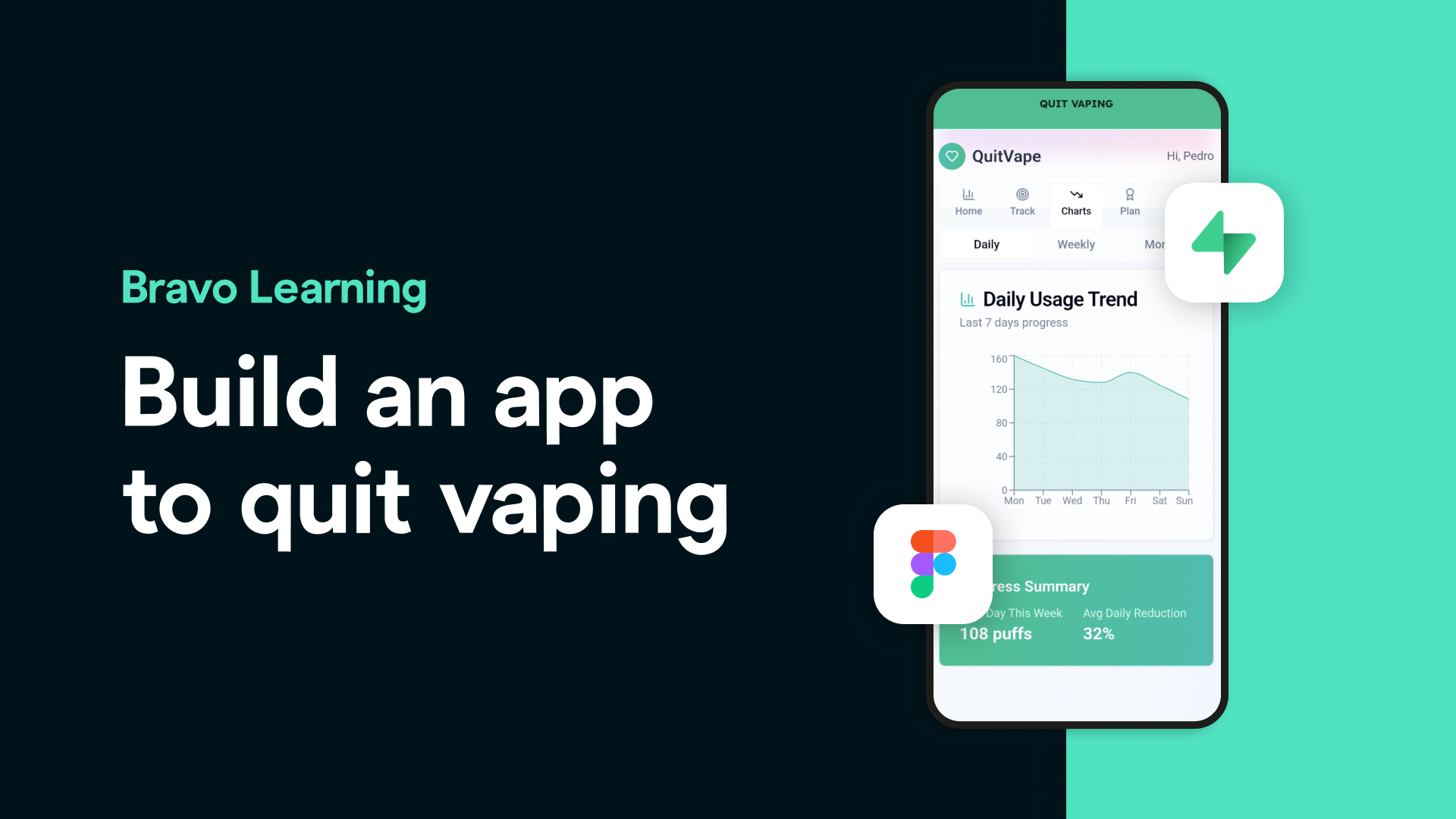
We recently wrapped a powerful no-code web app built in Lovable.dev into a native mobile experience using Bravo Studio. The app helps users quit vaping by tracking daily usage, providing motivation, and visualizing progress.
🔌 The logic and backend were handled in Lovable + Supabase 🎨 The native shell (with onboarding + app icon) was designed in Figma 🚀 And Bravo brought it all together into a fully testable, store-ready app
This workflow took a fraction of the time it would take to build natively — and it’s easy to replicate.
💥 Why This Matters
Bravo empowers creators, startups, and indie builders to go from idea to mobile store-ready fast — even if the heavy lifting was already done on the web.
With tools like Lovable, WeWeb, Supabase, and Bravo combined:
You can build your core app on the web
And wrap it for mobile, beautifully, in days — not months