Why Create a Drumming Instructor Mobile App?
If you're a drumming coach, content creator, or music teacher, chances are you already have tons of valuable content — from recorded lessons and tutorials to full-length jam sessions. But managing everything through YouTube or social media can feel limiting. A mobile app gives you full control over how your audience interacts with your brand, content, and services.
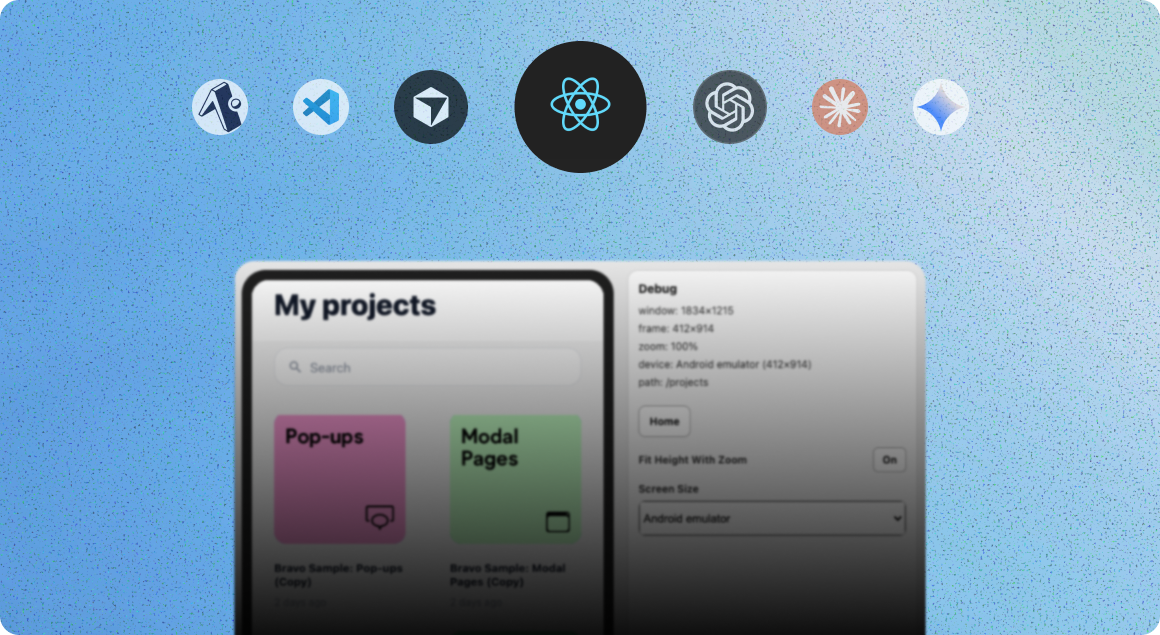
And the best part? You can now build your own app in just a few hours using tools like Stitch by Google, Bravo Studio, Figma, and Xano — no developers required.
Here’s how we did it 👇
Step 1: Generate Your App Design in Stitch by Google
We started by heading to Stitch by Google — a free AI design tool that lets you generate beautiful app UIs in seconds.
We prompted it to create a drumming instructor app, and Stitch delivered screens like:
A welcome screen
A login page
A video library for tutorials and warm-ups
A featured area for full classes or performances
Step 2: Customize the Design in Figma
Once we were happy with the layout, we exported the design to Figma for customization.
Here’s what we adjusted:
Fonts, colors, and spacing to match our personal branding
Screen flow and interactions using Figma’s prototyping tools
A custom app icon to give the app a polished, professional look
Then, we used the Bravo Studio Figma plugin to tag key screens (like the login page) with Bravo Tags — making sure the app structure is compatible for Bravo’s build process.
Step 3: Bring It to Life in Bravo Studio
After prototyping, we imported the design into Bravo Studio, which instantly turns your Figma file into a native iOS and Android app.
We tested the app using the Bravo Vision preview app to make sure everything flowed perfectly.
Step 4: Add Your Video Content
To embed our video lessons, we used a custom video player web component injected via Bravo’s Web View tag.
You can link this to:
Your YouTube or Vimeo library
Hosted video files
Any streaming platform where your lessons live and connect them via APIs.
This allows users to watch tutorials directly inside the app with no friction.
Step 5: Set Up Secure Login with Kinde + Xano
We integrated Kinde authentication into our app using Bravo Studio’s External OAuth snippet for Xano.
This ensures only registered or premium users can access your content. We tested the flow to make sure login worked smoothly and securely.
Step 6: Connect Your Backend with Xano
Using Bravo’s Xano Snippet, we set up:
User session tracking
Video content data
Personalization (if needed)
No coding required — just plug and play.
Step 7 (Optional): Monetize with RevenueCat or Kinde Billing
If you want to charge users for access to premium lessons, you can easily plug in:
RevenueCat for in-app subscriptions
Kinde Billing for recurring payments
This opens the door to a real mobile business around your drumming content.
Final Result
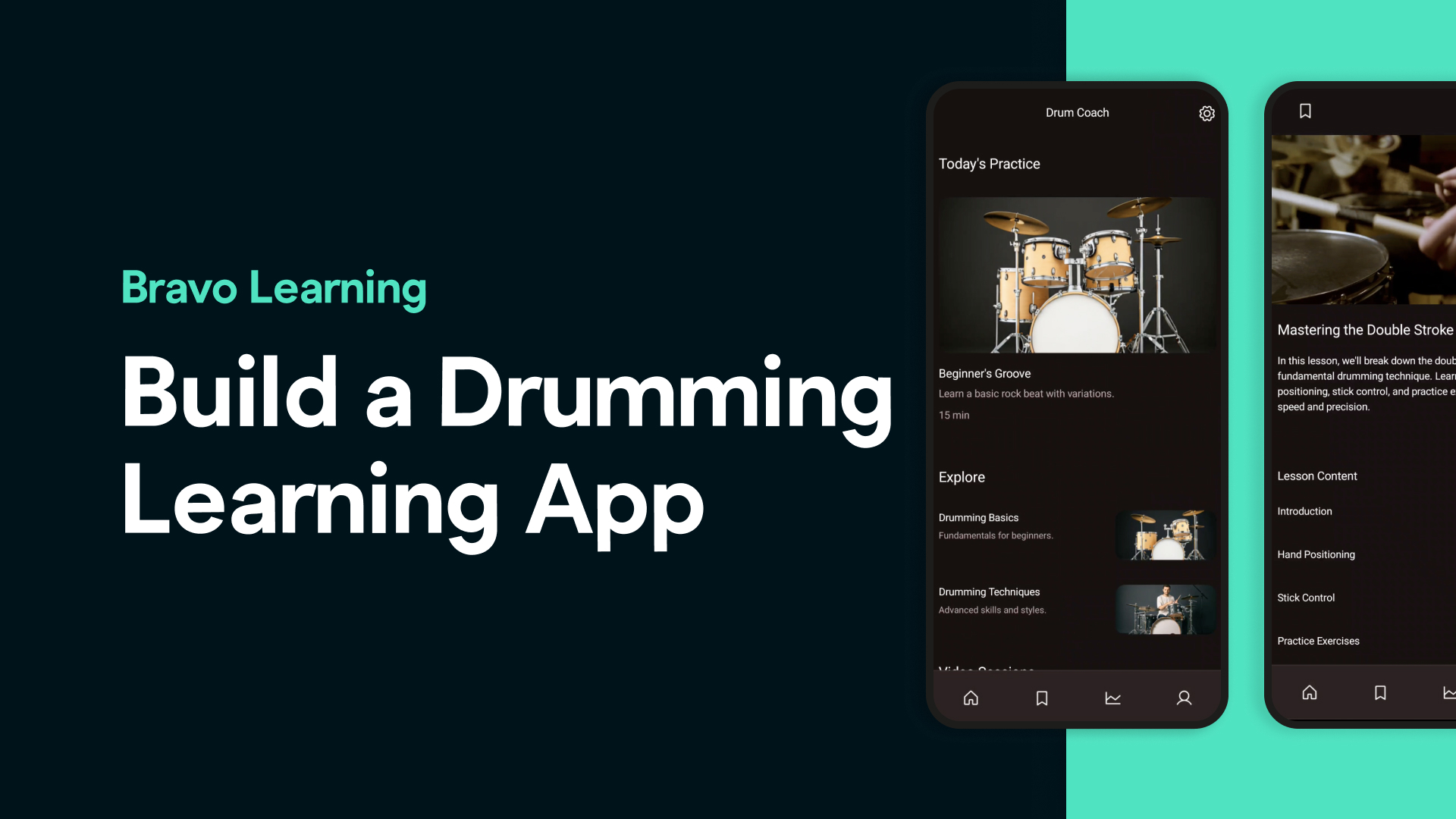
In just a few steps, we went from a concept to a fully functional, content-ready mobile app — with:
A pro UI design
Smooth onboarding and login
Embedded video lessons
Backend management
Monetization capabilities
All without writing a single line of code.
Whether You’re a Drumming Coach, Music Creator, or Artist…
Bravo Studio helps you turn your skills into a mobile experience your audience can download, use, and pay for — all within days.
✅ No dev team ✅ No app store headaches ✅ Just fast, beautiful, native apps — built visually
Ready to Build Your Own Drumming App?
FAQs
**1. Can I use this same process for other types of music coaching apps?**
Absolutely. Guitar, piano, singing — any music niche can follow the same steps with different design prompts and video content.
**2. Do I need to know how to code to use Bravo Studio?**
Nope! Bravo is 100% no-code. Everything is done visually using Figma and simple integrations.
**3. Can I offer in-app purchases or subscriptions?**
Yes! Bravo integrates with RevenueCat and Kinde Billing so you can monetize your app with subscriptions or one-time purchases.
**4. Where do I host my videos?**
You can use YouTube, Vimeo, or any video hosting platform you prefer. Just embed the links inside Bravo.
**5. Can I publish the app on both iOS and Android?**
Yes! Bravo Studio lets you export your app for both App Store and Google Play distribution.