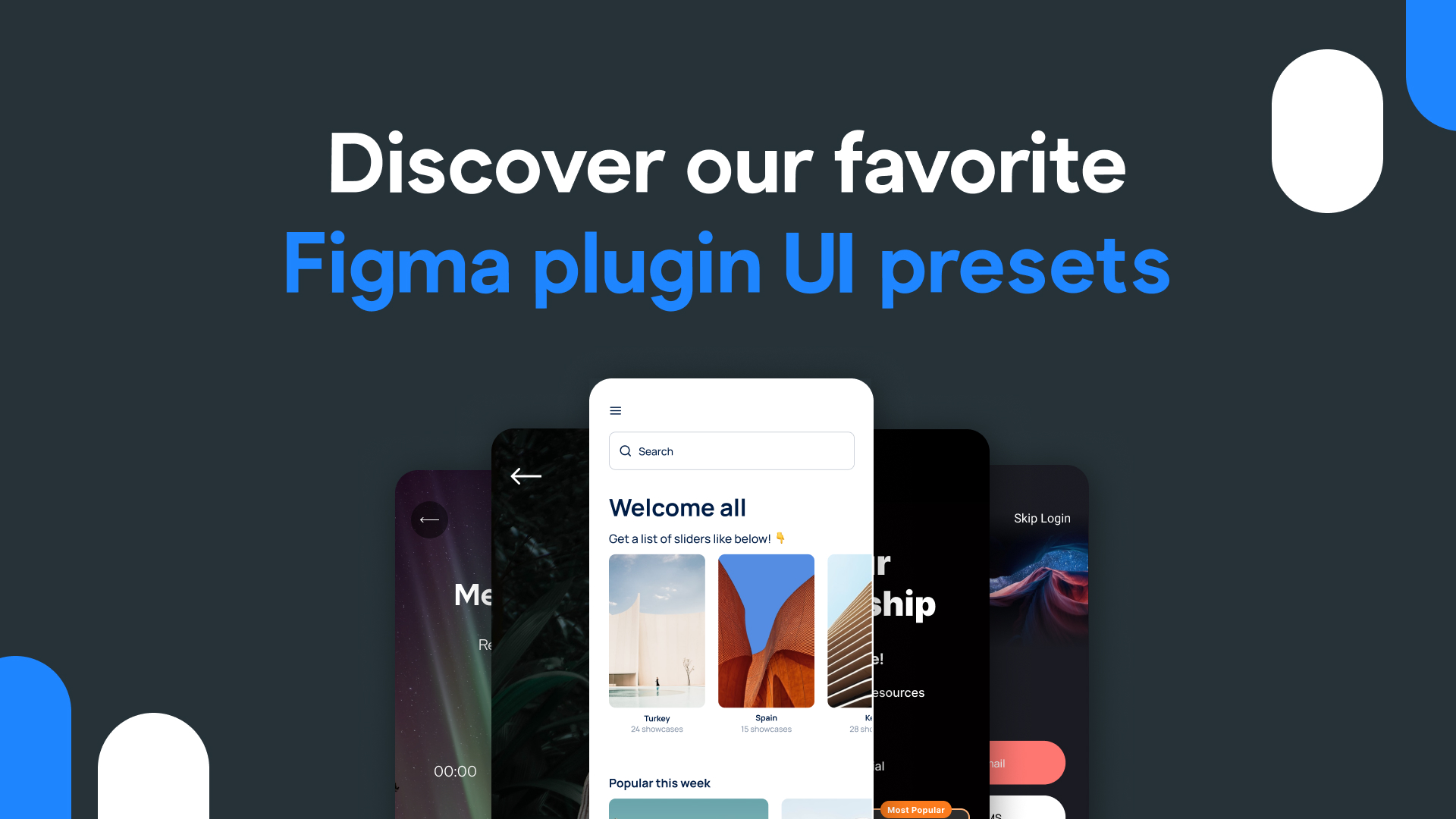
In the fast-paced world of app design, efficiency is paramount. Imagine having a toolkit that seamlessly integrates with** Figma**, simplifying the design process and ensuring that your app's user interface is not just visually striking but also user-friendly. Bravo Studio's **UI presets **are all about achieving that delicate balance between aesthetics and efficiency. Our **Figma plugin **comes jam-packed with UI presets, and we’ve chosen 10 that will propel your app design to new heights while saving you precious time in the process.
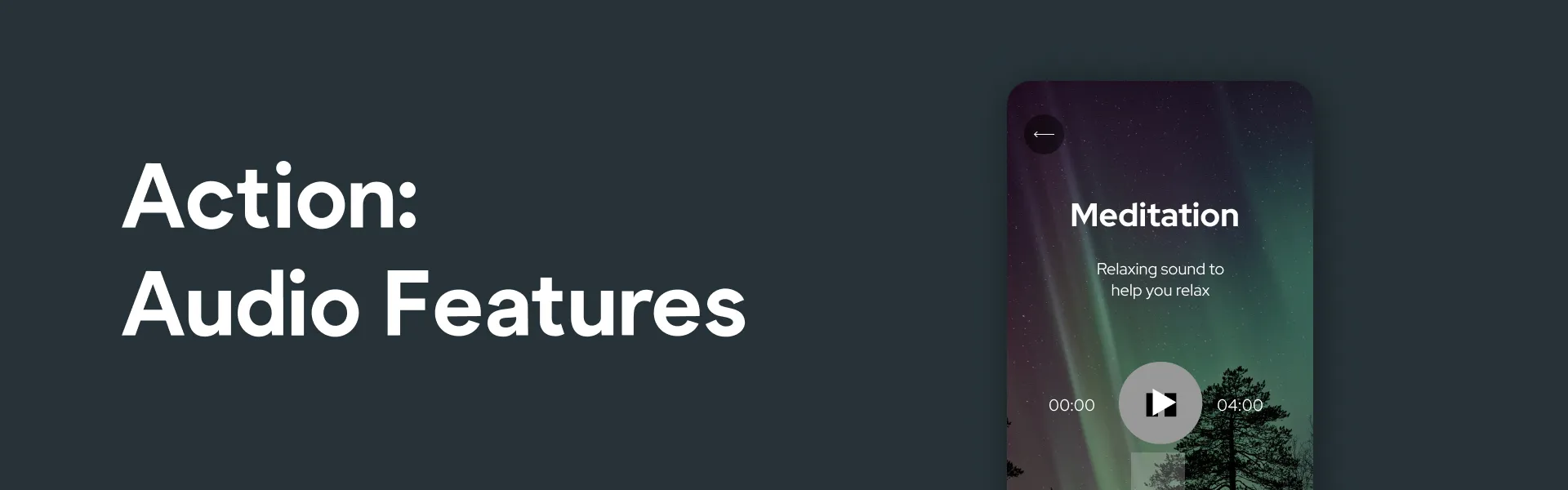
Action: Audio features
With Audio Features, you can seamlessly integrate audio elements, elevating user engagement and creating an immersive app experience.
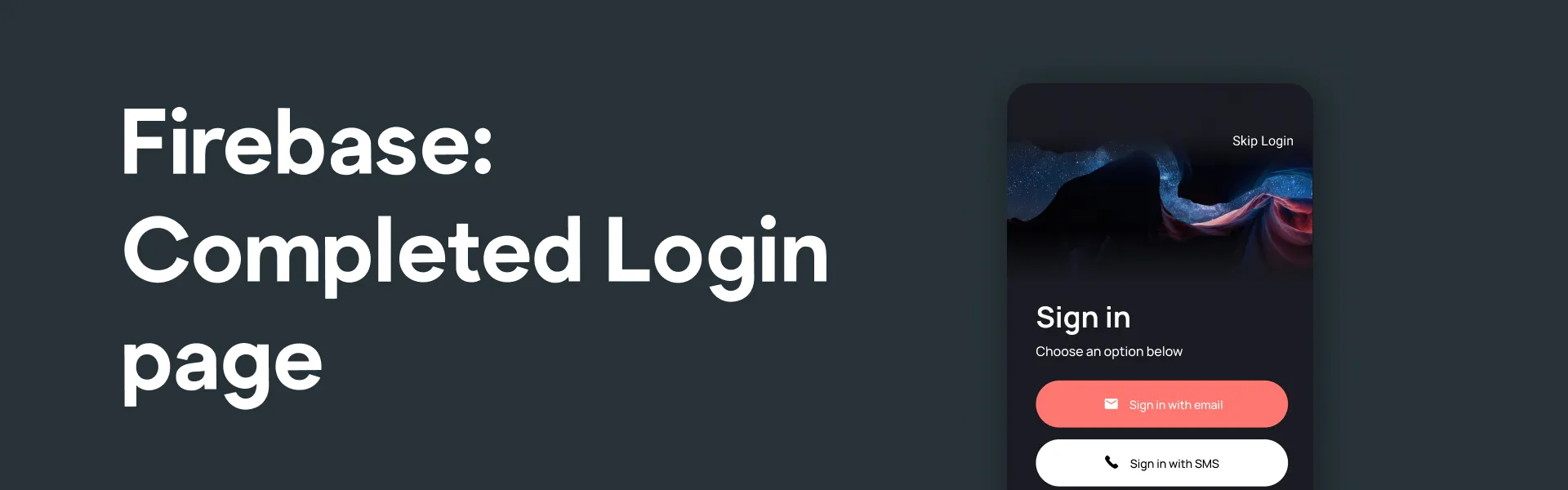
Firebase: Completed Login page
Streamline your app's authentication process with our Firebase 'Completed Login' page, ensuring secure and hassle-free user access.
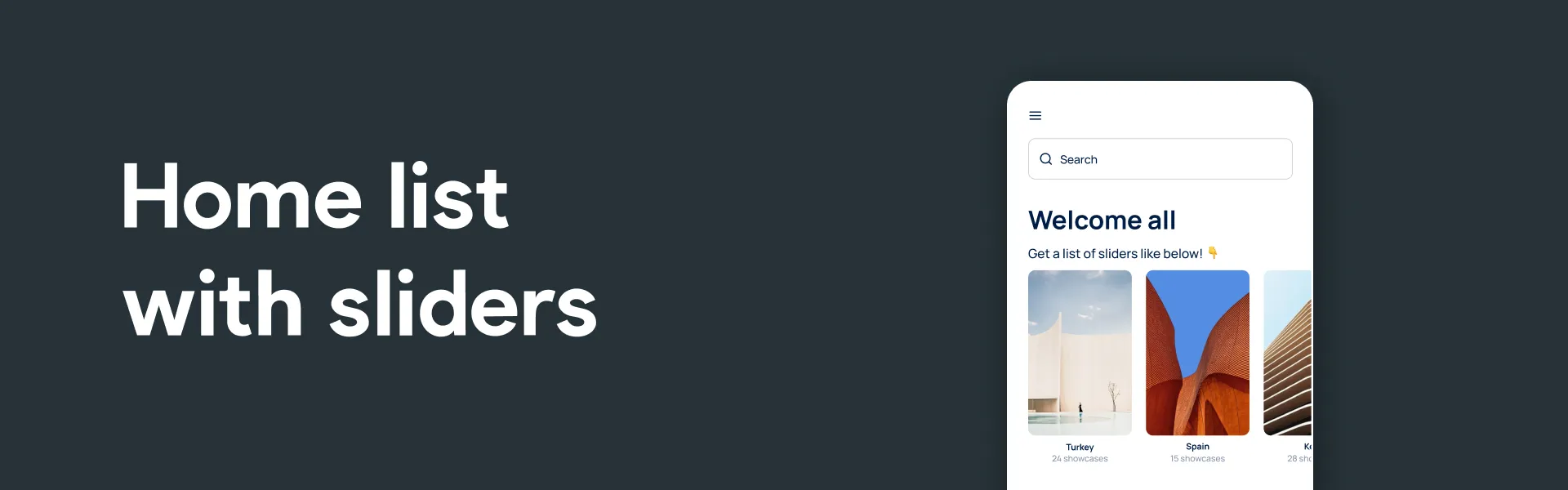
Home list with sliders
Transform your app's home screen into an** interactive hub** by showcasing featured content and engaging users with captivating sliders
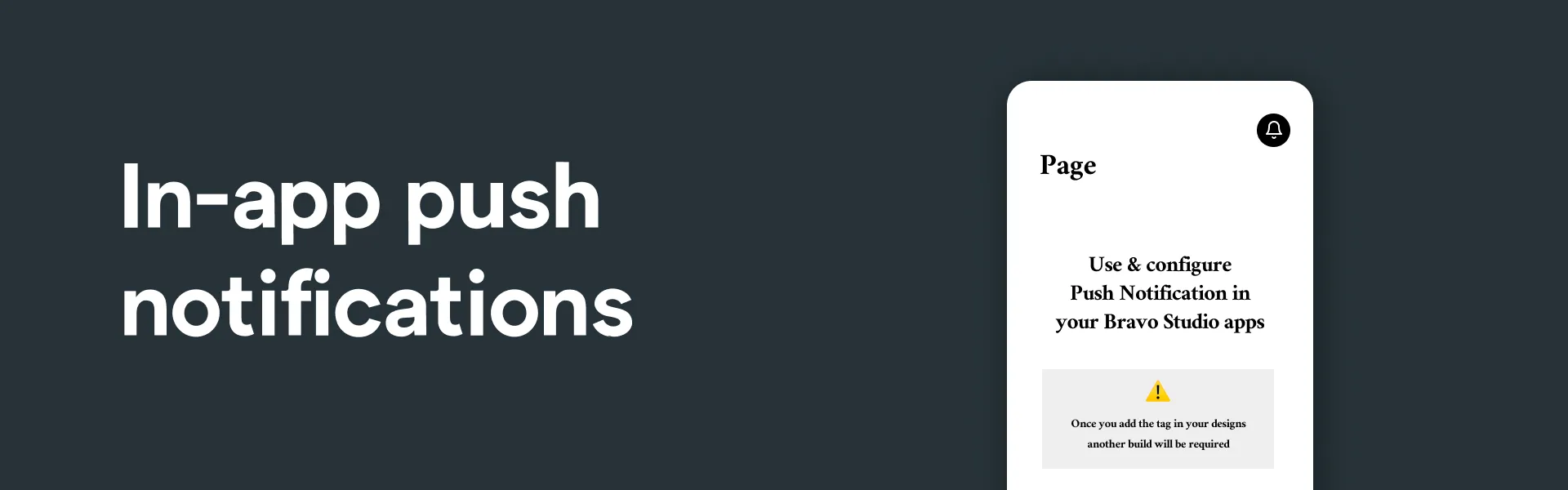
In-app push notifications
Enhance user engagement and keep your audience informed with the convenience of in-app push notifications, delivering timely updates, alerts, and personalized messages directly to your app users, ensuring they never miss important information or promotions.

In-app purchase subscriptions
Maximize your app's revenue potential by implementing in-app purchases with** Revenuecat**, providing flexible monetization options, and enhancing the user experience

Intro page
Create a **captivating and informative welcome experience **for your users with an engaging intro page, setting the stage for a memorable app journey from the very start.
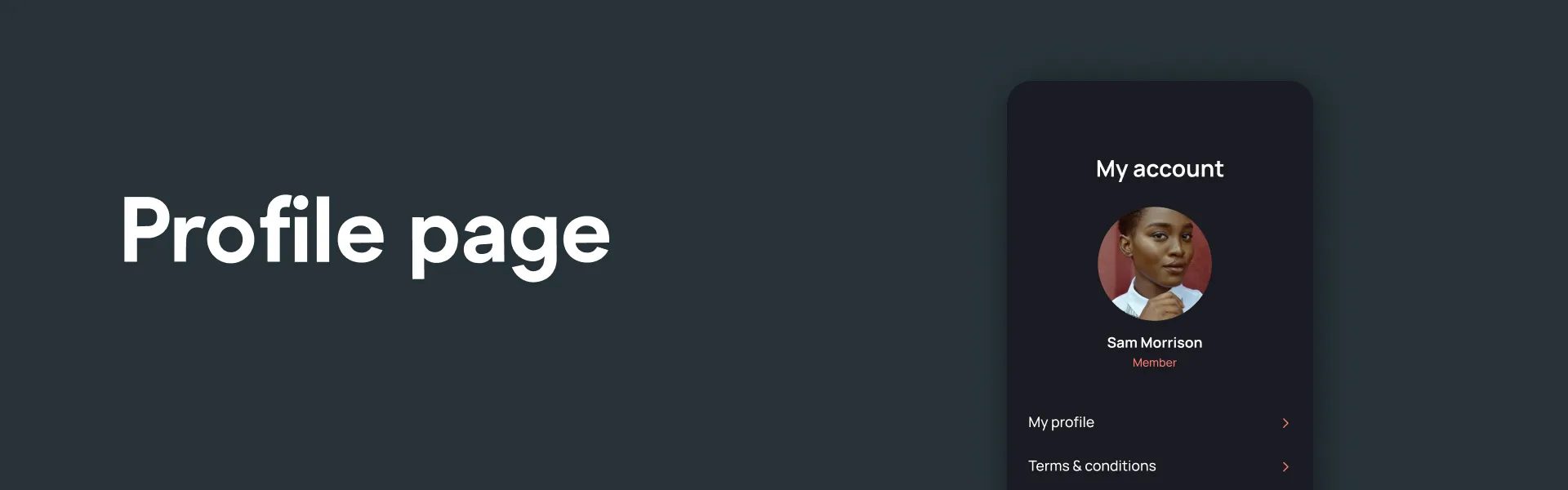
Profile page
Offer your users a personalized space within your app with an efficiently designed profile page, allowing them to manage their preferences, view activity, and connect with your platform on a deeper level.
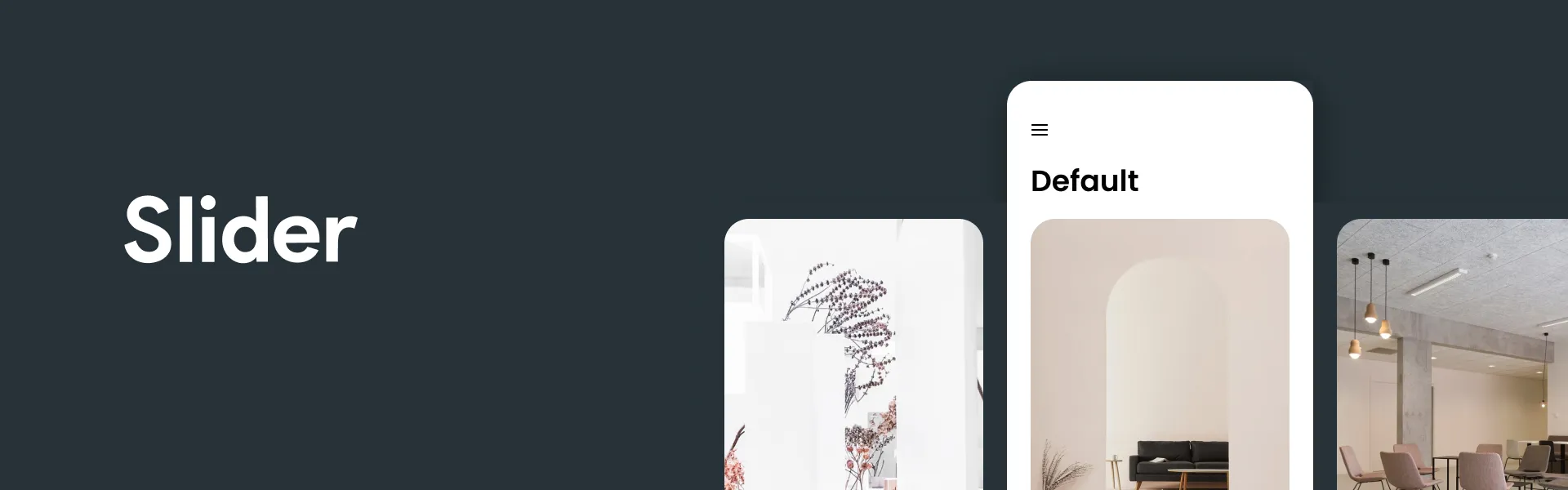
Slider
Enhance user interaction and content presentation within your app with a dynamic slider, allowing you to showcase images or featured content in an engaging and visually appealing way.

Vertical swipe list
Effortlessly organize and display content in a vertical swipe list, providing users with an **intuitive and scrollable interface **to explore your app's information and resources.
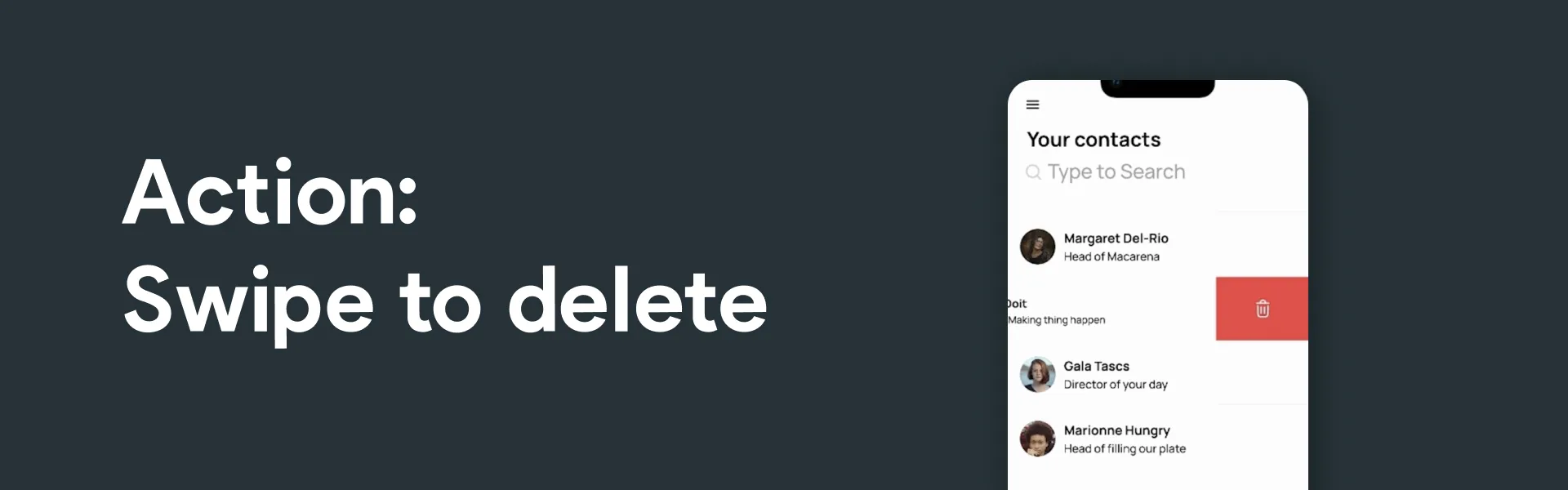
Action: Swipe to delete
Implement a seamless 'swipe to delete' action, enhancing user control and ease of use within your app, making it simple to remove unwanted items or content.

Search and filter
Empower users to find exactly what they're looking for with a comprehensive search and filter feature, improving navigation and making content discovery effortless within your app.
With Bravo Studio's collection of UI presets and features, you have the tools at your fingertips to create a truly remarkable app. From in-app push notifications to dynamic sliders, vertical swipe lists, and 'swipe to delete' actions, these intuitive presets empower you to enhance user engagement, streamline navigation, and deliver an exceptional user experience, making it easier to transform your app ideas into reality.