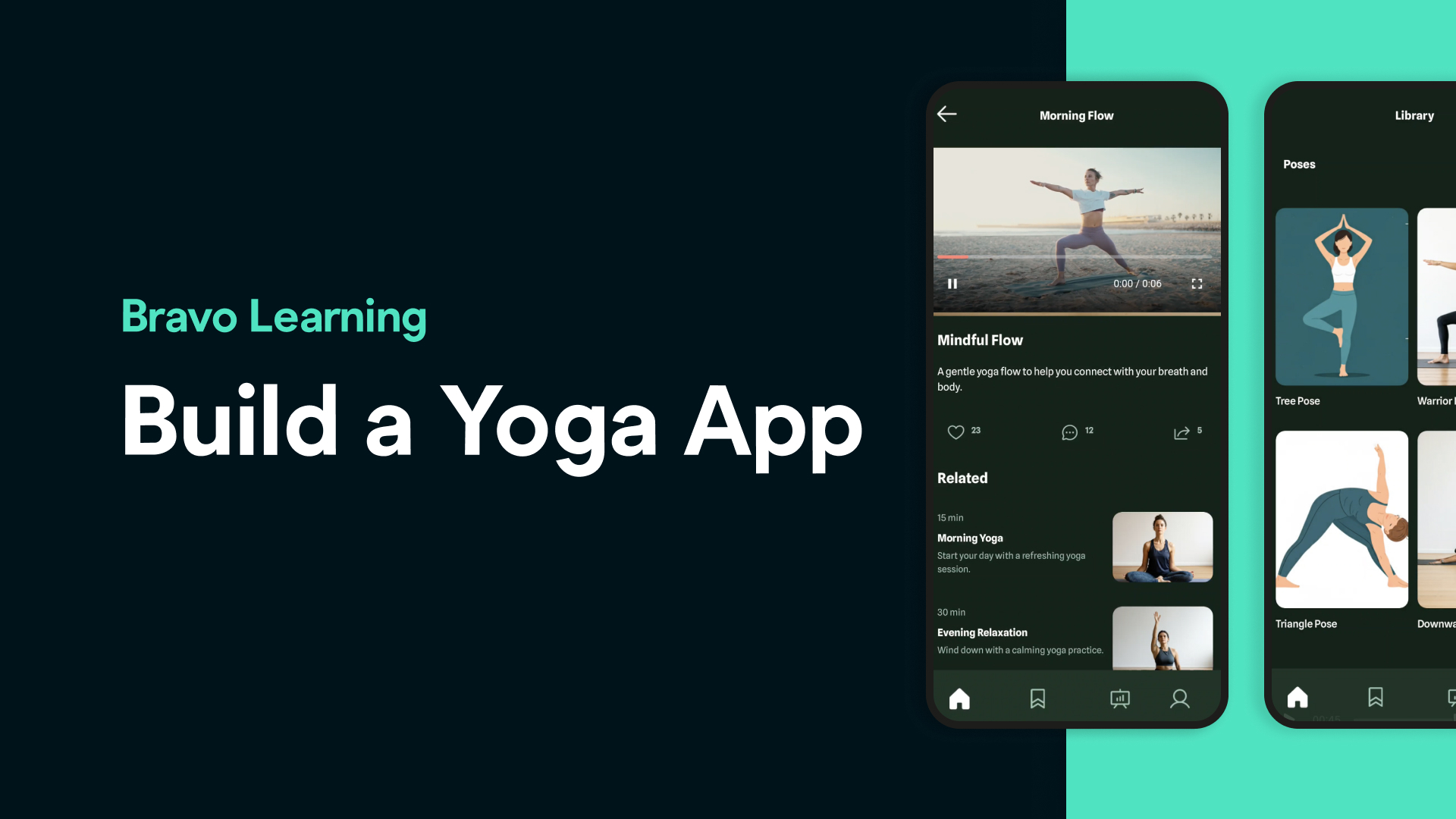
Are you a yoga coach or wellness content creator looking for an easier way to reach your audience and monetize your content? Instead of relying on Instagram, YouTube, or generic platforms, why not create your own branded mobile app — fast, easy, and code-free?
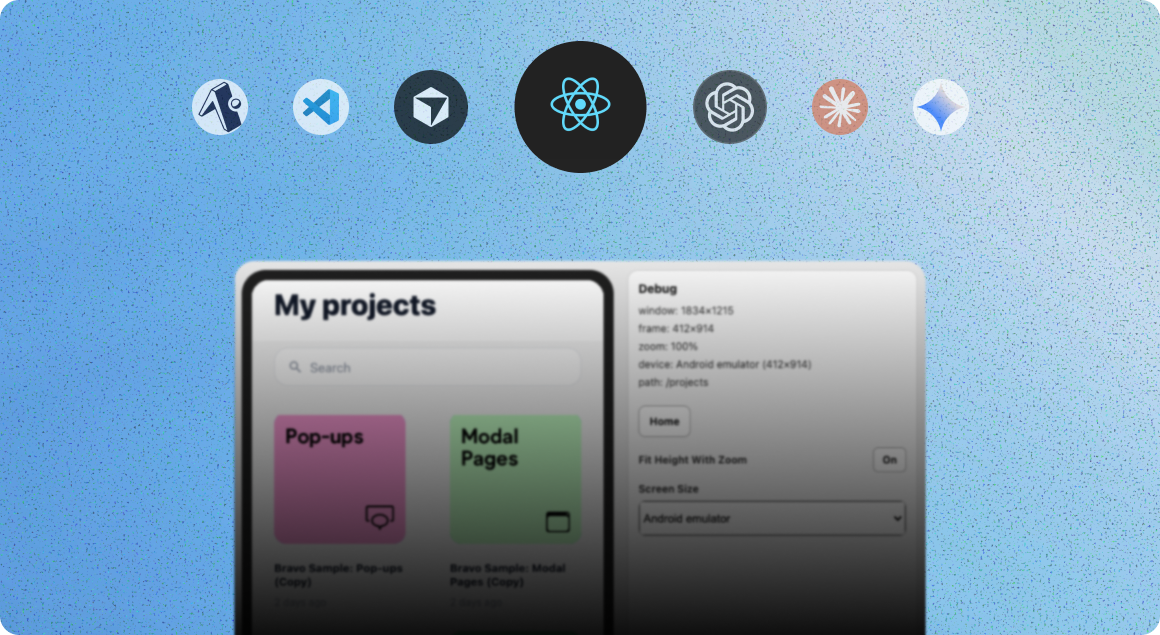
In this post, we’ll walk you through how to build your own yoga app using Stitch by Google, Figma, Bravo Studio, Xano, and Kinde, with support for video content and user login. Whether you have yoga videos, pose images, or guided sessions, this setup is designed for you.
1. Stitch by Google – Instant App Design
Use Stitch to generate a mobile app design tailored for a yoga instructor. Include key screens like:
Home page with featured sessions
Categories like “Beginner,” “Stretching,” or “Evening Flow”
Login/Sign up page
Profile
Video session player
🧠 Tip: Include a prompt like “Create a yoga coaching app for a wellness instructor with video content and user login.”
2. Import to Figma
Once the design is generated, export it to Figma with one click. This will give you full control to customize the layout, colors, fonts, and structure.
3. Set Up Login with the Bravo Figma Plugin
Using the Bravo Studio Figma plugin, tag your login and signup screens. You’ll add Bravo tags like:
bravo:inputfor fieldsbravo:actionfor login buttonsbravo:webviewfor your video player
4. Add App Prototyping and Navigation
Define flows between screens to simulate user experience. Use Figma’s prototyping tools or Bravo’s tab menu templates to create bottom navigation for Home, Videos, Profile, etc.
5. Create Your App Icon
Design a simple, recognizable app icon using Figma or another tool. Upload it to Bravo Studio to brand your app.
6. Import to Bravo Studio
Import your tagged Figma project to Bravo Studio. This will generate the structure of your app — ready to connect to a backend.
7. Add a Video Player Web Component
We created a custom video player web component. You can paste this as a webview in your app screen, and link it to your yoga videos hosted on YouTube, Vimeo, or another source.
8. Set Up Kinde for Authentication
Use the Bravo x Kinde Auth Snippet to enable user login and signup. You’ll just need a Kinde account and some environment variables configured inside Bravo and Xano.
9. Use Xano for Backend & Content Delivery
With the Bravo Studio Xano Snippet, connect your app to your content in the backend. You’ll store your:
Video URLs
Class names & categories
Descriptions & metadata
Create collections for yoga sessions, and connect your data to the Figma app layout using Bravo bindings.
💡 What You Get
By the end of this tutorial, you’ll have a fully functional yoga app: ✅ Personalized video-based sessions ✅ Secure login ✅ Beautiful design ✅ Data-driven structure ✅ 100% your brand
Frequent asked questions
**Can I monetize my yoga app?**
Yes! With Bravo’s RevenueCat integration (see our other tutorial), you can sell subscriptions or individual classes.
**Where should I host my videos?**
You can host them on YouTube (unlisted), Vimeo, or use a custom hosting solution.
**Do I need to code anything?**
No. All tools used are no-code: Stitch, Figma, Bravo Studio, Kinde, and Xano.
**Can I update content without updating the app?**
Yes, by storing your sessions in Xano, you can update your app’s content anytime without rebuilding.
**How do I publish the app?**
Bravo Studio provides publishing support for iOS and Android once your app is ready.