**Bravo Studio keeps growing and adding new features for you to build and launch great apps. Today we introduce payments! **
New feature alert! You can now add a Stripe component to your app to charge your users via your Stripe account and customize the checkout flow. Whether you run an on-demand, retail, or crowdfunding marketplace, this solution will help you onboard, verify, and receive payments. Stripe handles identity verification to meet Know Your Customer (KYC) and compliance requirements.
How do payments work?
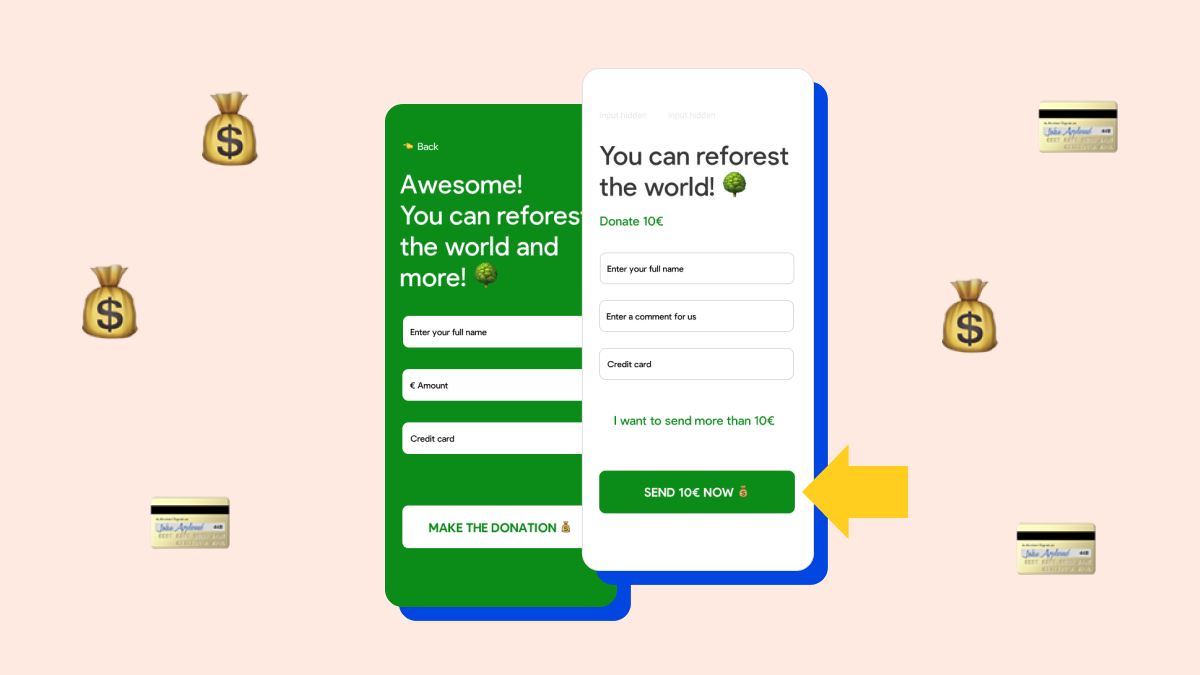
Payments are pretty similar to forms. In a payment form, there are two required elements: the credit card component and an action to trigger the payment. You can also add extra fields that will serve as context for each payment such as name, comments, email and phone.
Plus, if your app has a login, the user.email and user.id Bravo variables are automatically added as extra information (metadata) for the payments as metadata. We also added the possibility of adding an input text field for the amount or the currency. This will come in handy when you need to create a donation form.
Other ways to monetize your apps
Did you know that you can also monetize your apps by adding a download price in App Store and Google Play? Multiple Bravo users are already doing it!
💰 Crypto → Google Play | App Store
⛵️ Sailing Test → App Store
🦷 Dental Decide → App Store | Google Play
🇬🇧 The Great British Empire → Google play