We’re entering a new era in app building—one where apps don’t just respond to clicks and taps, but actually talk back. With Bravo Studio’s new AI Voice feature, creators can design immersive, human-like conversational experiences that feel alive.
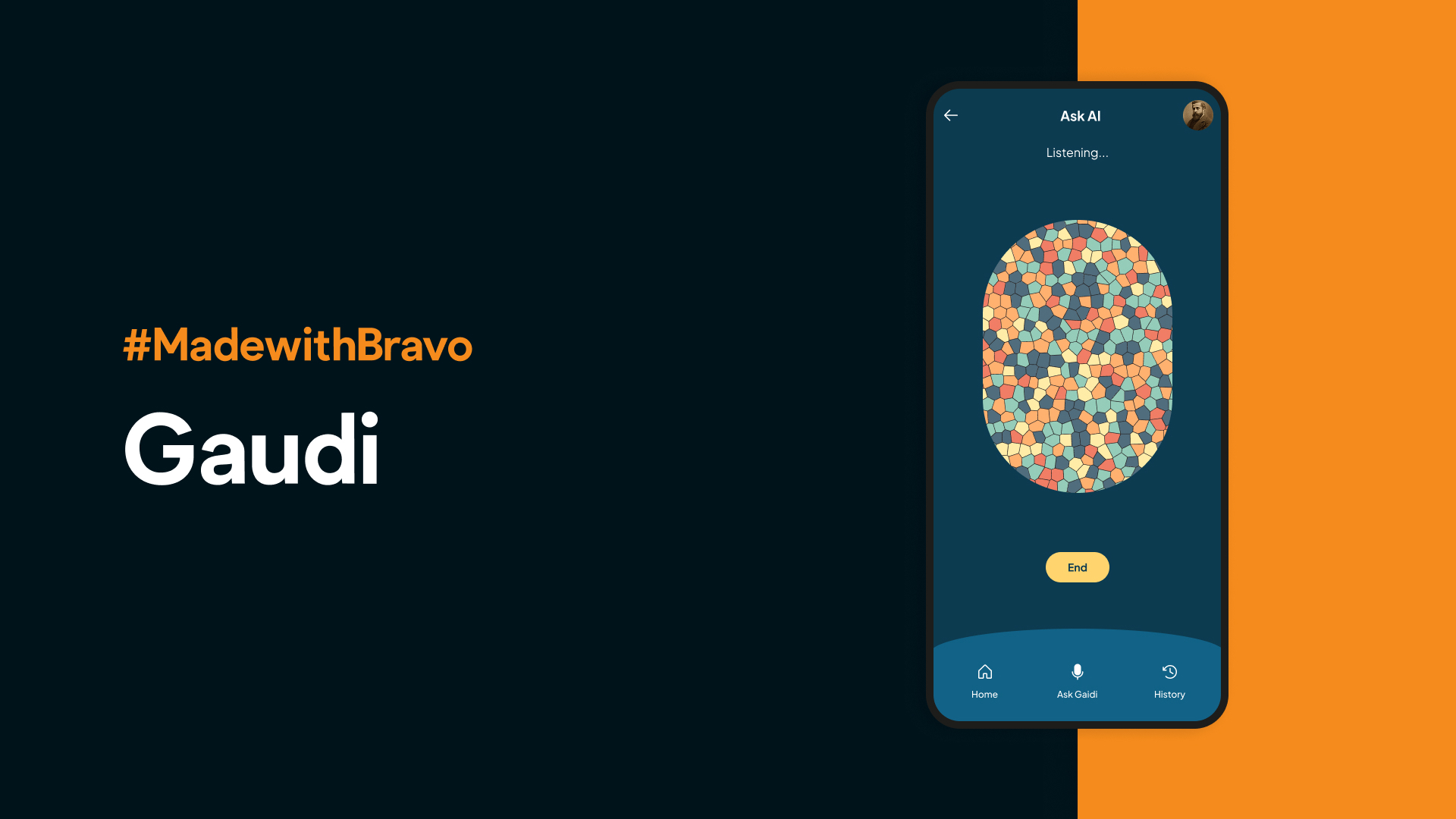
To show what’s possible, we built something special: an app where you can actually talk to Antoni Gaudí.
That’s right. You ask, “Hi Gaudí, can you tell me about your Sagrada Família?”And he replies—in his own tone and philosophy.
This demo showcases how AI Voice can bring storytelling, education, and creativity to life in ways never seen before.
How It Works
Building an AI Voice app with Bravo Studio doesn’t require advanced coding or AI engineering. It’s as simple as combining the right tools, each doing what it does best.
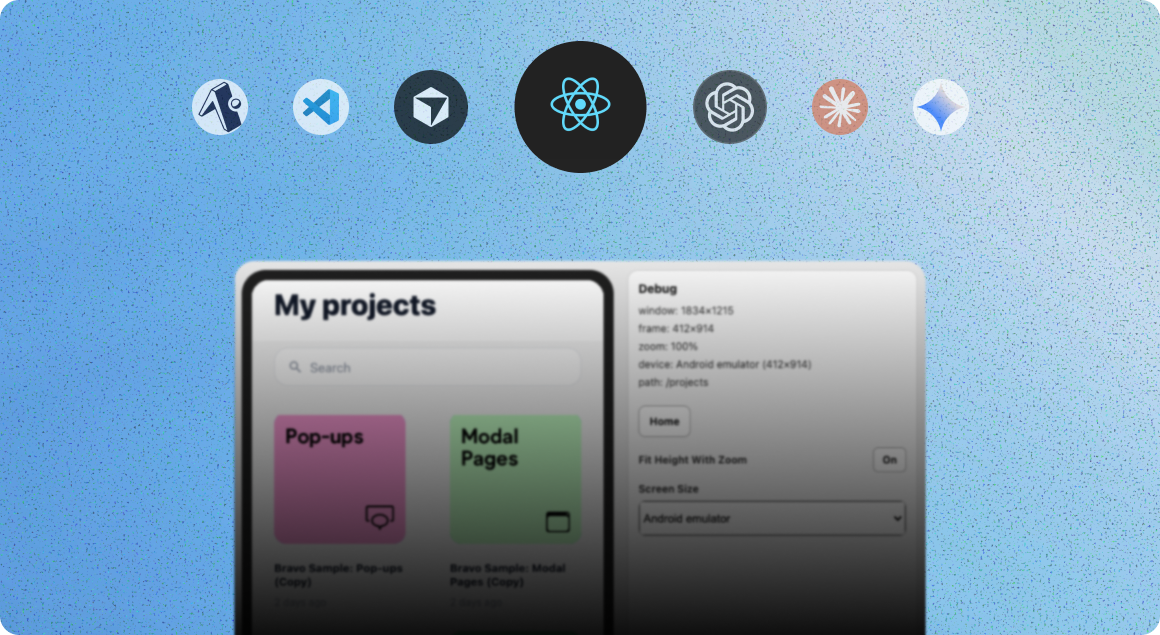
Here’s the breakdown of how the Gaudí app was built:
Design in FigmaStart by creating your app’s UI in Figma—just like any other Bravo Studio project.
Import to Bravo StudioTurn your Figma design into a functional mobile app instantly, complete with navigation, actions, and data bindings.
Connect a Backend with XanoXano handles all the logic and connects your app to the AI voice model.
Choose Your AI Voice and Prompt with Hume AIIn Hume AI’s Playground, you can create a custom voice and personality for your AI character.For Gaudí, we crafted a poetic and reflective tone that feels authentically him.
Add Monetization with RevenueCatIntegrate subscriptions or paywalls so users can unlock premium voice interactions, lessons, or experiences.
Publish to the App StoreBravo lets you publish directly to iOS and Android—or export to React Native if you want full code ownership.
What You Can Build
The Gaudí demo is just one example of what AI Voice unlocks. Here are a few more ideas you can build with Bravo Studio’s new feature:
Meditation apps with calm, responsive voice coaches
Education apps where students talk directly with virtual tutors
Storytelling apps that bring historical figures or fictional characters to life
Customer support companions that sound truly human
AI-driven podcasts or roleplay assistants for creative experiences
Whether you’re building for wellness, education, or entertainment, AI Voice opens up a world of interactivity.
Built with Bravo Studio + Hume AI + Xano + RevenueCat
The magic of this feature lies in how seamlessly these tools come together:
Bravo Studio for design-to-app creation
Hume AI for expressive, emotional voice models
Xano for backend logic and AI endpoints
RevenueCat for app monetization and subscriptions
Together, they form a complete no-code/low-code pipeline for creating sophisticated AI-powered mobile experiences.
Experience It Yourself
The Gaudí app was just the beginning. With Bravo Studio’s AI Voice feature, you can give your apps a voice—whether it’s a coach, a teacher, a character, or a storyteller.
Big things are coming, and we’re opening early access for creators who want to lead this new era of conversational apps.
👉 Join the early access waitlist today:https://www.bravostudio.app/ai-form
FAQs
What is Bravo Studio’s AI Voice feature?
It’s a new Bravo Studio capability that lets you integrate conversational, human-like voice experiences into your app using tools like Hume AI and Xano.
Do I need to code to use it?
No! You can design everything visually in Figma and Bravo, and we’ll help you connect the backend and AI endpoints.
Can I choose different voices or personalities?
Yes. You can fully customize the AI’s tone, emotions, and speaking style using Hume AI’s playground.
Can I monetize my AI app?
Absolutely. RevenueCat integration makes it easy to add subscriptions, in-app purchases, or paywalls.
Is this available now?
It’s currently in early access. You can join the waitlist to be among the first to try it.