Build Smarter, Faster, and Without Code 🚀
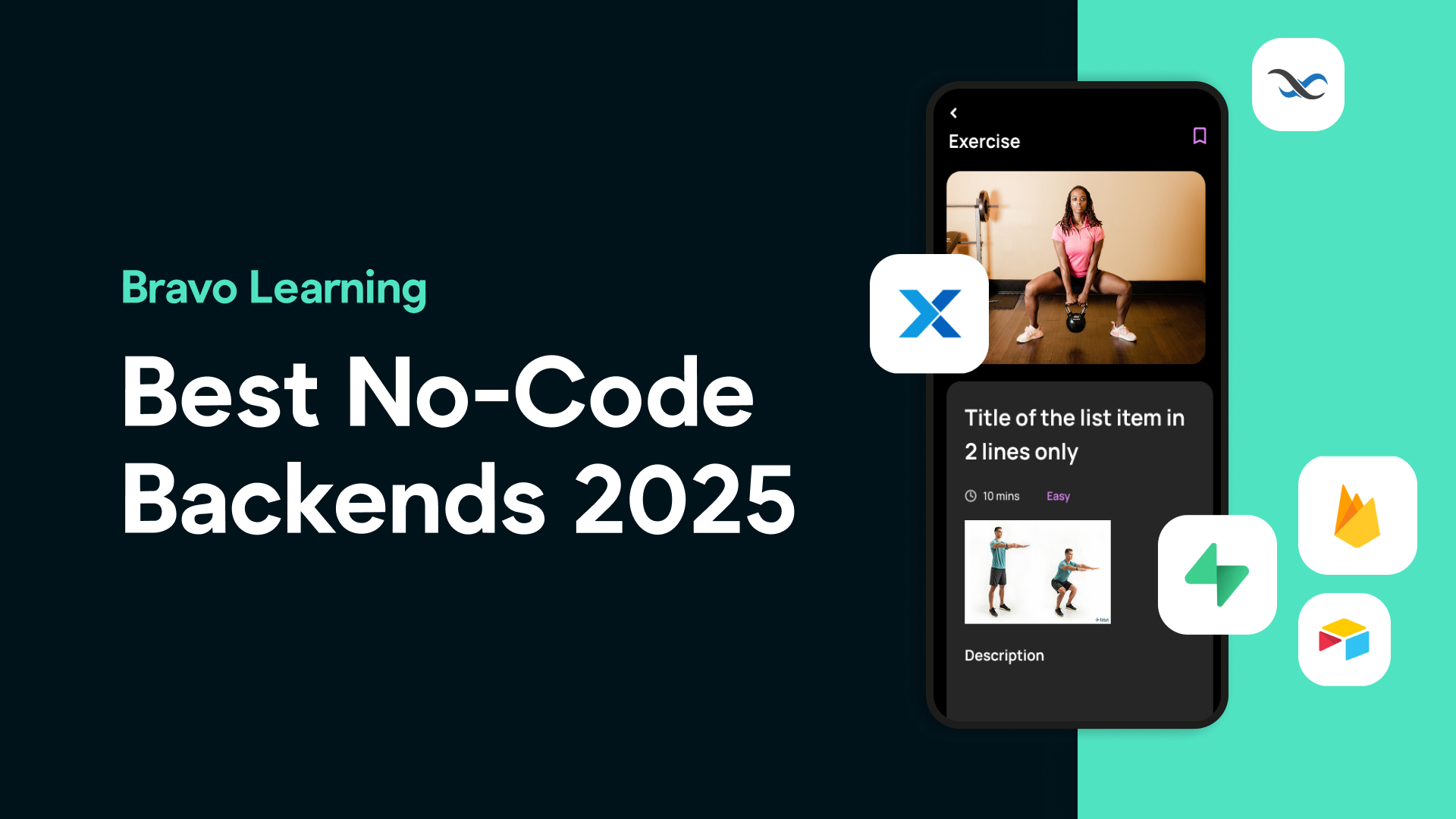
Thinking of building a mobile app with Bravo Studio and wondering which no-code backend is right for your project? In this guide, we’ll walk you through the top backend platforms that work seamlessly with Bravo Studio so you can build apps smarter, faster, and — of course — without writing a single line of code.
🔧 Why You Need a Backend
Bravo Studio turns your Figma designs into real mobile apps, but to power your app with real data, you’ll need a backend. This is where your app will store and manage its content, user data, authentication, and APIs.
Let’s explore the best no-code backend options for Bravo Studio:
🥇 Xano — The Most Powerful Bravo-Compatible Backend
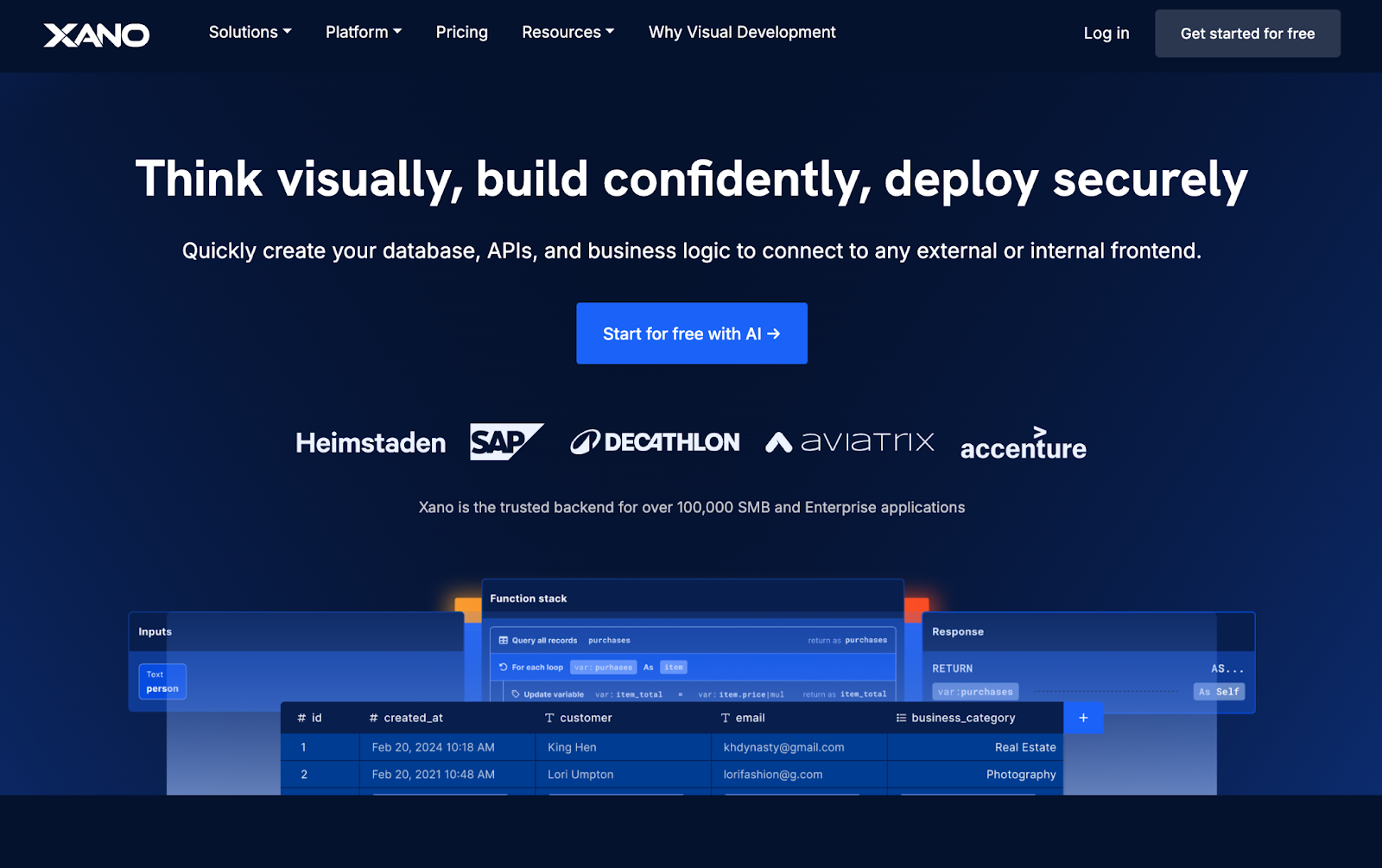
Fully scalable and highly customizable
Built-in database and visual API builder
Perfect for logic-heavy apps, marketplaces, and user-generated content
Secure authentication and advanced workflows supported
✅ Our top recommendation for Bravo Studio users looking for the perfect balance between power and ease of use.
📊 Airtable — Fast and Beginner-Friendly
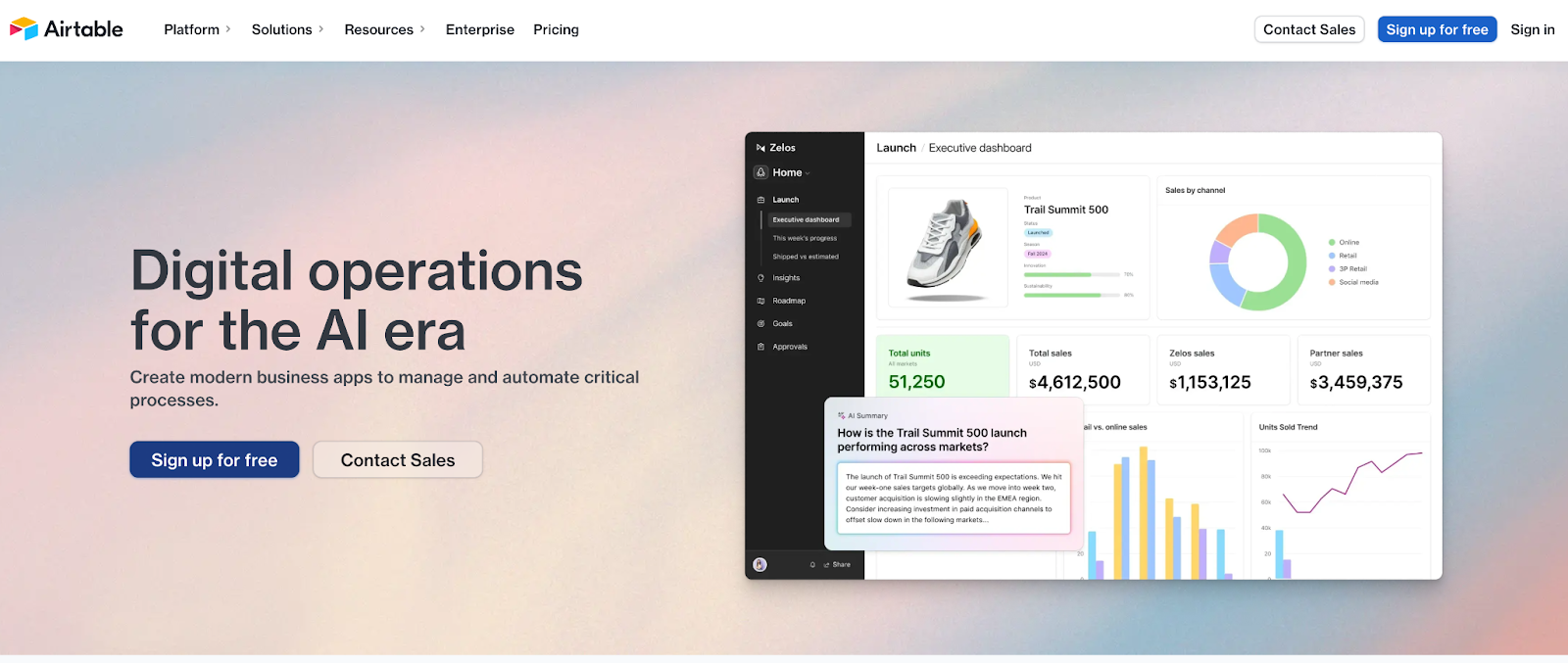
Spreadsheet-style interface that’s great for new users
Ideal for content-based apps, small-scale MVPs, and admin panels
Easy integration with Bravo via GET and POST requests
✅ Best choice for content-heavy apps and simple MVPs.
💻 Supabase — Open-Source Flexibility
Real-time database built on PostgreSQL
Open-source alternative to Firebase
Supports authentication, file storage, and powerful queries
✅ Great for apps needing real-time data, advanced dev tools, and flexibility.
🔥 Firebase — Real-Time by Google
Native support for real-time data updates
Ideal for apps with chat, notifications, or live dashboards
Firebase Auth integrates smoothly with Bravo Studio
✅ A solid option for apps that rely on real-time functionality.
🧠 Backendless — Visual Logic Builder & All-in-One Platform
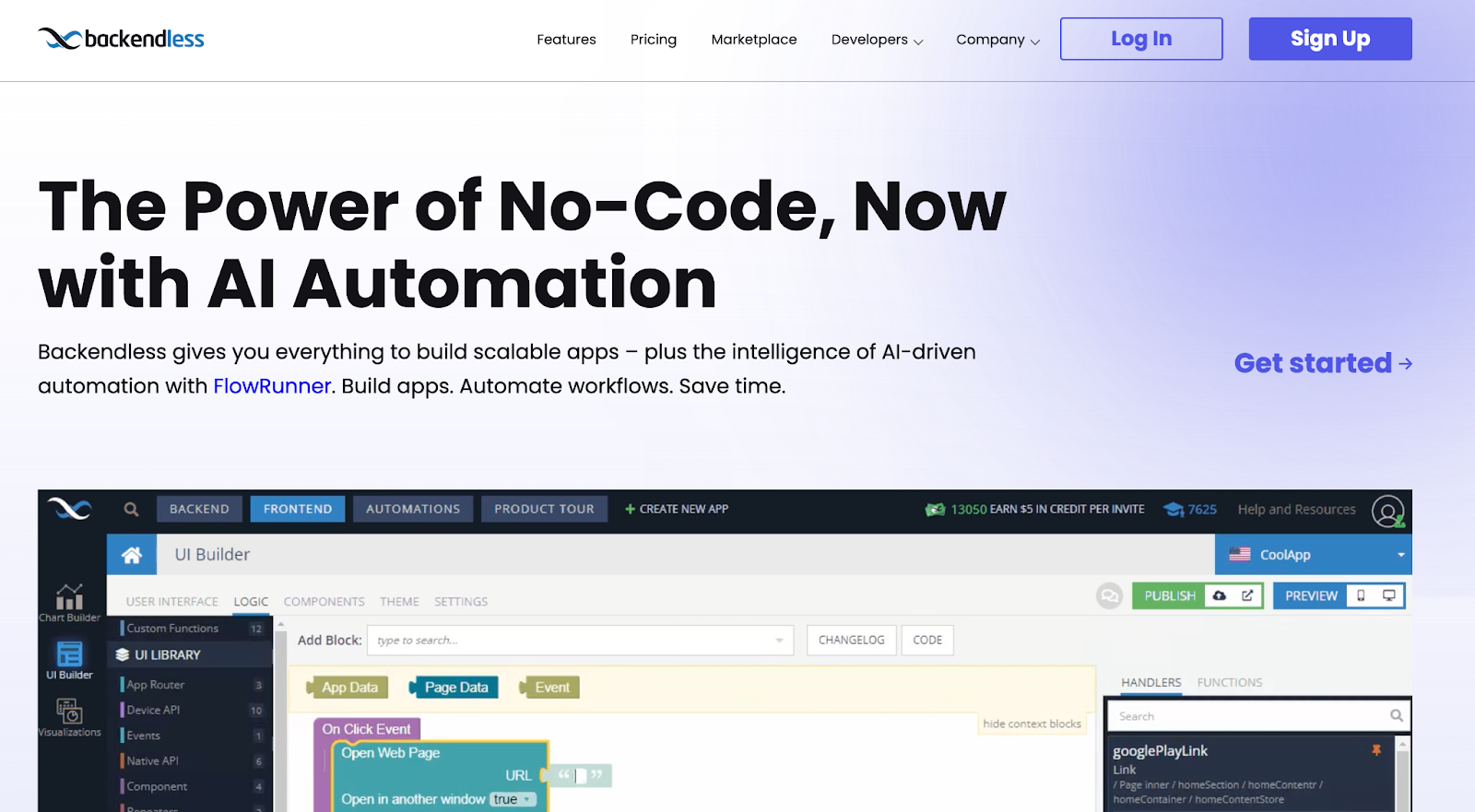
Visual backend builder, database, file storage, and auth
Great for teams building collaborative, logic-driven apps
✅ Good choice if you want a powerful backend without touching code.
🧩 What to Consider When Choosing a Backend
When selecting the right backend for your Bravo Studio app, consider:
🔐 **Authentication support **
⚙️ **Ease of use and scalability **
📚 **Documentation and community support **
🔗 REST API compatibility with Bravo Studio
🎯 Our Recommendation
If you're just getting started or want a smooth, scalable experience — go with Xano. It works beautifully with Bravo Studio, offers enterprise-level power, and makes managing your app backend simple and secure.
Whether you're building a podcast app, real estate platform, or fitness tracker, choosing the right backend will take your Bravo Studio project to the next level.
FAQs: Choosing the Best No-Code Backend for Bravo Studio
**1. Do I need a backend to build an app with Bravo Studio?**
Yes. While Bravo turns Figma designs into real mobile apps, a backend is required to store, manage, and deliver dynamic content like user data, listings, and more.
2. What is the best backend for beginners using Bravo Studio?
Airtable is great for beginners. It has a familiar spreadsheet interface and is easy to connect via REST APIs.
3. Which backend is most powerful and scalable with Bravo Studio?
Xano is the most robust option, offering scalable infrastructure, authentication, custom logic, and easy Bravo integration.
**4. Can I use Firebase with Bravo Studio?**
Yes! Firebase works well with Bravo, especially if you need real-time data or native Firebase Authentication.
**5. How do I connect my backend to Bravo Studio?**
Bravo Studio connects to backends using REST APIs. You’ll create endpoints in your backend (like Xano or Airtable) and bind them to your Figma design elements inside Bravo Studio.